(By TechnoItem Expert Team | Last Updated: July 2026)
Quick Answer
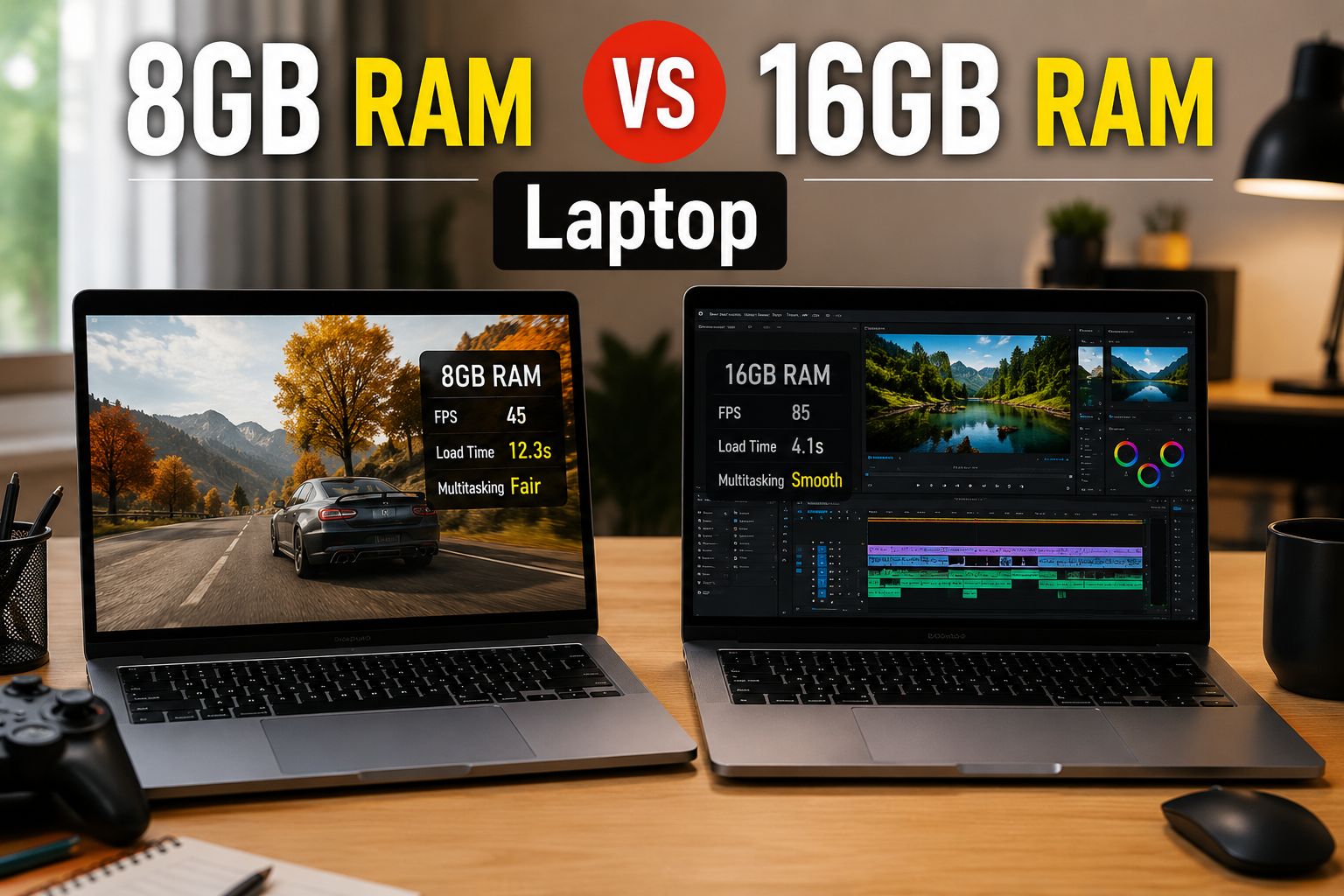
8GB RAM vs. 16GB RAM Laptops. For most users in 2026, 16GB RAM is the better choice. Software has grown heavier, browsers consume more memory than ever, and even basic productivity tasks benefit from the extra headroom. That said, 8GB still works fine for light, focused use cases like simple web browsing, note-taking, or Chromebook-style tasks.
Key Takeaways
- 16GB RAM is the new baseline for a well-rounded laptop in 2026, handling multitasking, video calls, and modern apps without slowdowns.
- 8GB RAM remains viable for students, light office users, and anyone on a tight budget who sticks to one or two apps at a time.
- RAM-intensive tasks like video editing, running virtual machines, or gaming strongly favor 16GB or more.
- Modern operating systems (Windows 11, macOS Sequoia) consume 3–5 GB of RAM at idle, leaving less usable memory than the raw number suggests.
- If the RAM is soldered (non-upgradeable), choosing 8GB now means living with that limit for the laptop’s entire lifespan.
- The price difference between the 8GB and 16GB configurations has narrowed significantly in 2026, often just $50–$100.
- Choose 8GB if budget is the top priority and tasks are genuinely light and limited.
- Choose 16GB if multitasking, creative work, gaming, or future-proofing matters to you.
What Does RAM Actually Do in a Laptop?
RAM (Random Access Memory) is the short-term workspace your laptop uses to hold active data. The more RAM available, the more apps, browser tabs, and processes can run simultaneously without the system leaning on slower storage.
When RAM fills up, the operating system starts using the hard drive or SSD as overflow memory (called “paging” or “swap”). This is noticeably slower and causes the sluggishness many users blame on an “old” laptop.
Key point: RAM doesn’t make a single app run faster in isolation. It determines how many things can run smoothly at the same time.
Visit Amazon: https://amzn.to/4v2narz
How Much RAM Do Operating Systems Use in 2026?
Before comparing 8GB vs. 16GB, it helps to know how much memory the OS itself consumes.
| Operating System | Idle RAM Usage (approx.) |
| Windows 11 (2026 builds) | 3.5 – 5 GB |
| macOS Sequoia | 4 – 6 GB |
| ChromeOS | 1.5 – 2.5 GB |
| Ubuntu Linux | 1.5 – 3 GB |
Note: These are general estimates based on typical system configurations. Actual usage varies by background processes and installed software.
On a Windows 11 laptop with 8GB RAM, the OS alone can consume more than half the available memory before a single app opens. That leaves roughly 3–4 GB for everything else, which fills up quickly with a browser, a video call, and a document open simultaneously.
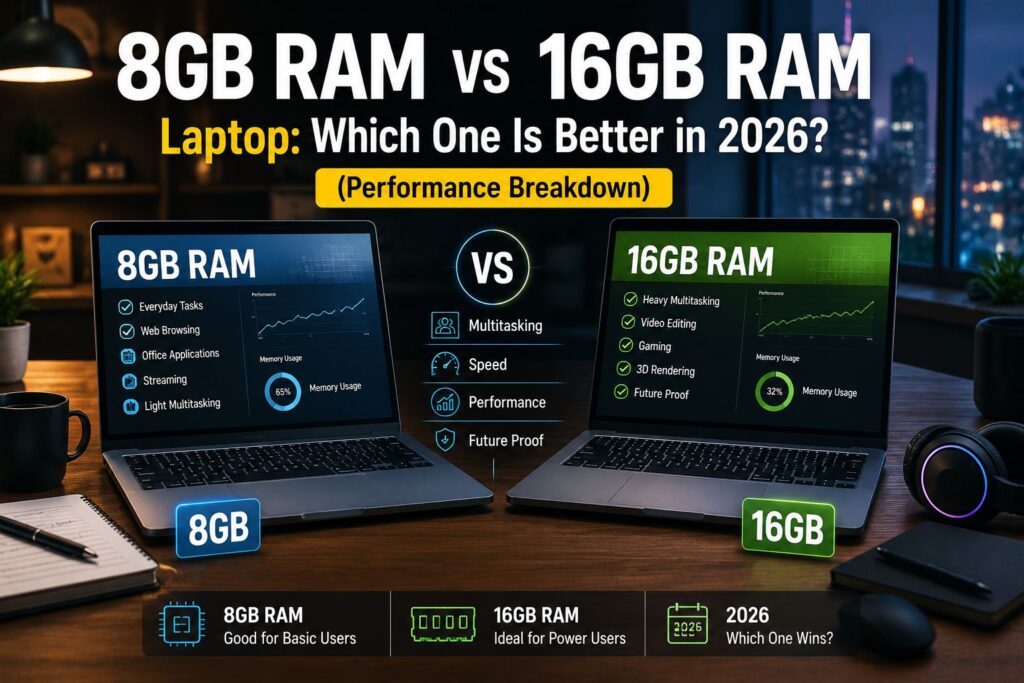
8GB RAM vs 16GB RAM Laptop: Which One Is Better in 2026? (Performance Breakdown)
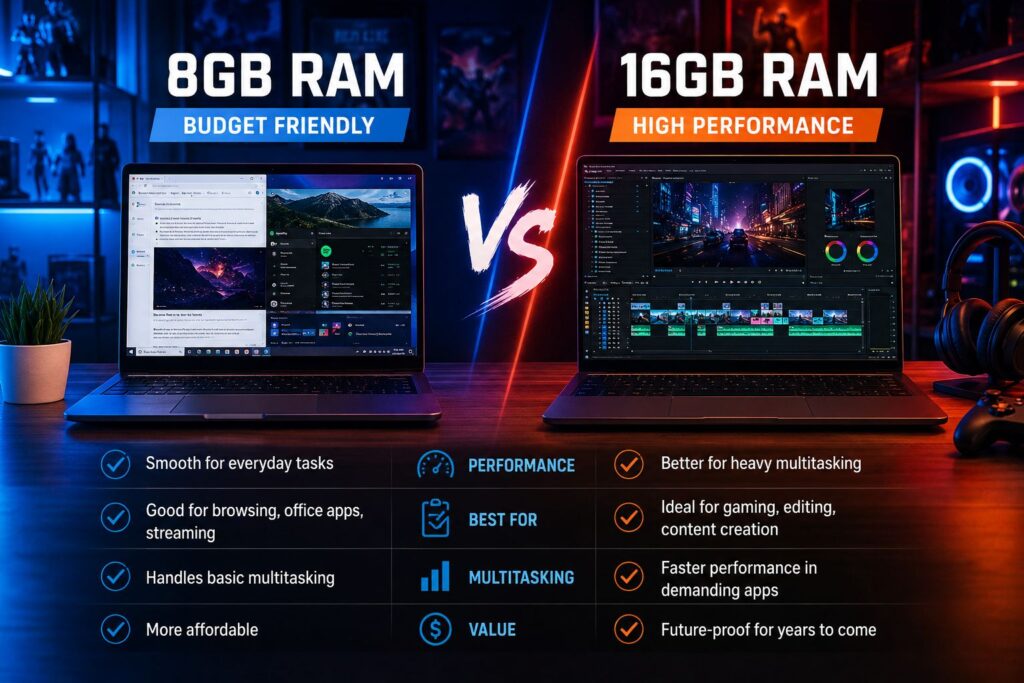
16GB RAM outperforms 8GB in nearly every real-world multitasking scenario in 2026. The gap has grown wider as apps, browsers, and operating systems have become more resource-hungry over time.
Where 8GB Holds Up
- Basic web browsing (5–8 tabs in Chrome or Edge)
- Word processing and spreadsheets (Google Docs, Microsoft Word)
- Video streaming (Netflix, YouTube)
- Light email and calendar use
- ChromeOS devices, which manage memory more efficiently
Where 8GB Struggles
- 20+ browser tabs open simultaneously
- Video calls with screen sharing (Zoom, Teams, Google Meet)
- Photo editing in Lightroom or Photoshop
- Running two or more heavy apps at the same time
- Any modern AAA game or graphically demanding software
Where 16GB Shines
- Smooth multitasking across many open apps
- Video editing in DaVinci Resolve or Premiere Pro (at 1080p)
- Software development with IDEs, local servers, and browser previews open
- Gaming at medium-to-high settings
- AI-assisted tools built into modern productivity apps (which increasingly cache models locally)
💡 Pull quote: “In 2026, 8GB RAM is like a two-lane road. It works fine until traffic picks up—then everything slows down.”
Who Should Choose 8GB RAM?
8GB RAM is still a reasonable choice for a specific type of user. Choose 8GB if all of the following apply:
- Budget is the primary concern, and the price difference matters
- Daily tasks are limited to browsing, email, documents, and media playback
- The laptop runs ChromeOS (which manages memory far more efficiently than Windows or macOS)
- The device will be used for a short period (1–2 years) before upgrading
- The RAM is upgradeable, so more can be added later if needed
A good example is a student using a Lenovo IdeaPad Chromebook with 8GB RAM for class notes, Google Docs, and video lectures. That’s a genuinely appropriate use case for 8GB in 2026.
Common mistake: Buying an 8GB Windows laptop expecting it to handle multitasking “just fine.” Windows 11’s memory overhead makes this a frustrating experience within months of purchase.
Who Should Choose 16GB RAM?
16GB RAM is the right choice for most laptop buyers in 2026. Choose 16GB if any of the following apply:
- Multitasking is part of a typical workday (many tabs, multiple apps, video calls)
- The laptop will be used for 3+ years
- Work involves creative tasks: photo editing, video editing, design, or music production
- Gaming is part of the plan, even casually
- The RAM is soldered and cannot be upgraded later
- Running Windows 11 or macOS as the primary OS
For those browsing the full laptop category for options, nearly every mid-range and above configuration in 2026 ships with 16GB as the standard spec.
Is 8GB RAM Ever Enough for Gaming in 2026?
No, 8GB RAM is not enough for a satisfying gaming experience on a Windows laptop in 2026. Most modern games recommend 16GB as a minimum, and with the OS running in the background, 8GB leaves almost no room.
Minimum RAM recommendations for gaming (2026 estimates):
- Casual/indie games: 8GB (barely workable)
- Mid-tier titles (e.g., open-world, shooters): 16GB recommended
- AAA titles and competitive games: 16GB minimum, 32GB preferred
For those also considering a desktop setup, check out prebuilt gaming PC options where 16GB or 32GB is standard, and upgrading RAM is far easier.
Does RAM Speed and Type Matter as Much as Capacity?
Capacity matters more than speed for most users, but type matters for efficiency. In 2026, most laptops ship with either LPDDR5 or DDR5 memory. These are faster and more power-efficient than older DDR4 modules.
- LPDDR5 (found in thin-and-light laptops): Lower power draw, often soldered
- DDR5 (found in performance laptops): Faster, sometimes upgradeable
Edge case: On laptops with integrated graphics (like AMD Ryzen with Radeon or Intel Arc), RAM is shared between the CPU and GPU. Having 16GB here is even more important because the GPU carves out a portion of system RAM for itself.
8GB RAM vs 16GB RAM Laptop: Which One Is Better in 2026? (Price vs. Value)
The price gap between 8GB and 16GB laptop configurations has shrunk considerably. In 2026, the difference between an 8GB and a 16GB version of the same laptop model typically runs $50–$100.
| Configuration | Typical Price Range (2026) | Best For |
| 8GB RAM laptop | $300 – $600 | Light use, ChromeOS, students |
| 16GB RAM laptop | $500 – $900 | Most users, professionals, and gamers |
| 32GB RAM laptop | $900 – $1,500+ | Power users, video editors, developers |
For a $75 price difference, upgrading from 8GB to 16GB is almost always worth it. The performance and longevity gains outweigh the upfront cost for most buyers.
Decision rule: If the 16GB model costs less than 20% more than the 8GB model, choose 16GB. The added lifespan alone justifies the cost.
If you’re also comparing laptops from specific brands, the Lenovo IdeaPad reviews and the Best Buy Lenovo laptop guide offer solid real-world comparisons across RAM tiers.
Can You Upgrade RAM Later?
It depends entirely on the laptop. Many modern thin-and-light laptops solder RAM directly to the motherboard, making upgrades impossible after purchase.
Before buying, check:
- Whether RAM is soldered or uses SO-DIMM slots
- The maximum supported RAM (some boards cap at 16GB, even with upgradeable slots)
- Whether the warranty covers RAM upgrades
If RAM is soldered: Always buy the highest RAM tier you can afford. There is no second chance.
If RAM uses SO-DIMM slots, starting with 8GB and upgrading later is a viable strategy, though it requires buying compatible modules and some technical comfort.
Conclusion: Which Should You Buy in 2026?
The answer is clear for most people: choose 16GB RAM. The cost difference is small, the performance difference is real, and the longevity advantage is significant. With operating systems and apps consuming more memory every year, 8GB is already showing its limits on Windows and macOS devices.
Actionable next steps:
- If the budget is tight, look for 16GB configurations in the $500–$700 range before settling for 8GB. Sales and refurbished options often bring 16GB models into budget territory.
- If buying a Chromebook, 8GB is genuinely fine, and the extra cost for 16GB may not be worth it on ChromeOS.
- If the RAM is soldered: Never compromise. Buy 16GB minimum.
- If gaming or creative work is planned: Start at 16GB and consider 32GB if the budget allows.
- Before finalizing any purchase, confirm whether the RAM is upgradeable. That single fact changes the entire calculus.
For more buying guidance across different laptop brands and configurations, explore the full laptop buying resources or check out the HP Chromebook 14 review for a practical look at how 8GB performs in a real ChromeOS environment.
FAQ
Q: Is 8GB RAM enough for college in 2026?
A: For most college students using Google Docs, Zoom, and a browser, 8GB works but feels tight. 16GB is a better investment for a laptop that’ll last 4 years.
Q: Will 8GB RAM slow down a new laptop?
A: Not immediately, but on Windows 11 or macOS, 8GB fills up quickly during multitasking. Users often notice slowdowns within the first year of regular use.
Q: Is 16GB RAM overkill for everyday use?
A: No. In 2026, 16GB is the practical baseline for Windows and macOS laptops. It handles everyday tasks comfortably and leaves room for growth.
Q: How long will a 16GB RAM laptop last?
A: A 16GB laptop bought in 2026 should remain capable for 5–7 years for most productivity and creative tasks, assuming the processor and storage are also adequate.
Q: Does more RAM improve battery life?
A: Not directly. However, when RAM is insufficient and the system relies on swap memory (using the SSD), it can increase CPU and storage activity, which drains the battery faster.
Q: Is 32GB RAM worth it in 2026?
A: For video editors, software developers, and power users running virtual machines, yes. For general use, 16GB is sufficient, and 32GB is unnecessary.
Q: What’s better: upgrading RAM or buying a new laptop?
A: If the current laptop has upgradeable RAM slots and a capable processor, adding RAM is cost-effective. If RAM is soldered, a new laptop is the only option.
Q: Does RAM matter more than the processor?
A: Both matter, but they affect different things. The processor determines raw speed; RAM determines how many tasks run smoothly at once. For multitasking, RAM often has a bigger visible impact.
Q: Is 8GB RAM good for working from home in 2026?
A: Marginally. Video calls, shared screens, and collaboration tools like Slack or Teams consume significant RAM. 16GB handles a remote work setup far more comfortably.
Q: Can a laptop with 8GB RAM run Windows 11 well?
A: It runs, but not well under load. Windows 11 uses 3.5–5 GB at idle, leaving little room for apps. Performance degrades noticeably when multitasking.