By Shahadat | Technology Writer & Product Researcher
TechnoItem.com
Last Updated: October 4, 2026
TL;DR: Looking for Android tablets with stylus support? Start with Samsung, because the S Pen comes in the box on its Galaxy Tab S models. Budget shoppers should check the Galaxy Tab S10 Lite or the TCL NXTPAPER 11 Gen 2, and artists can step up to the Galaxy Tab S11 Ultra. Always check whether the pen is included before you pay, since some brands sell it separately.
Shopping for Android tablets with stylus support sounds simple until you read the fine print. Some tablets include the pen in the box. Others sell it separately, and that can add real money to your total.
This guide clears that up. I’ll show you which Android tablet comes with a pen, which models suit note-taking, drawing, and work, and where you can save money without getting a bad pen experience. Whether you’re a college student, a busy professional, or a hobby artist, you’ll have a clear pick by the end.
One note on timing. Samsung just announced the Galaxy Tab S12 Ultra and S12+, with US sales starting October 7, 2026. It’s worth checking current prices on older models too.
I focus on display quality, pen response, battery life, and everyday performance, because those are the things you notice every day.
What Are the Best Android Tablets with Stylus Right Now? 🏆
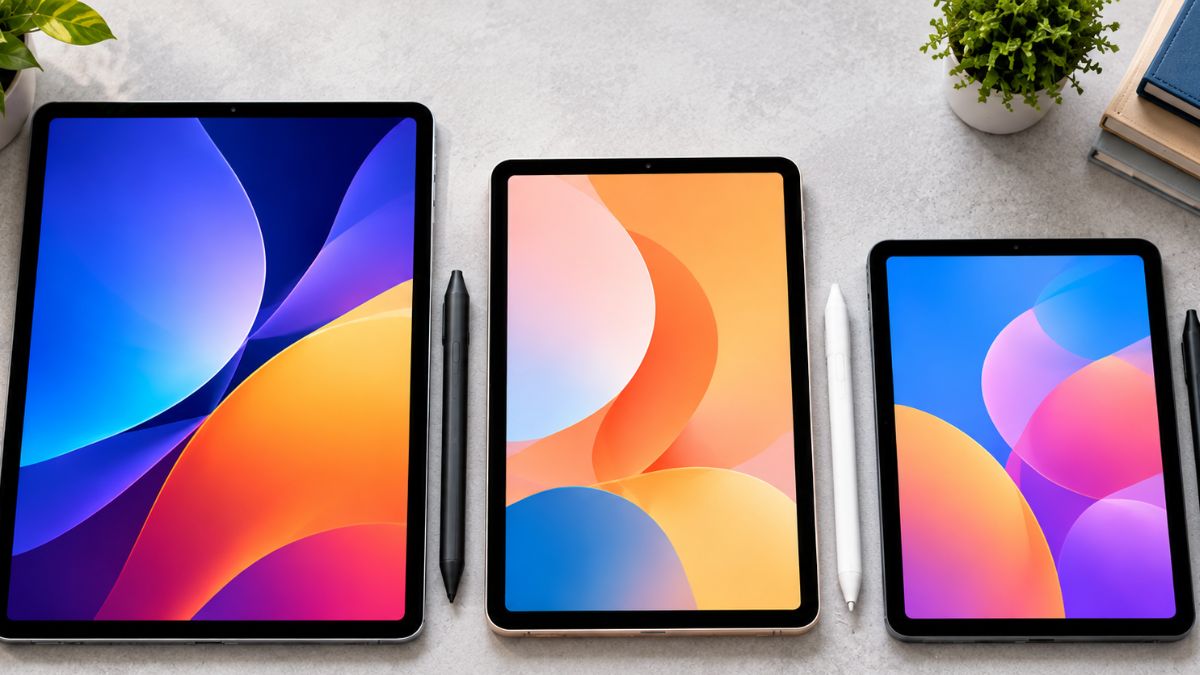
The best Android tablets with stylus support in 2026 are the Samsung Galaxy Tab S11 Ultra for artists, the Galaxy Tab S10 FE for balanced value, the Galaxy Tab S10 Lite for tight budgets, and the TCL NXTPAPER 11 Gen 2 for the lowest price. All four include a stylus in the box.
Android Central still ranks the Tab S11 Ultra as the best Android tablet for drawing. It has a powerful chip, an anti-glare AMOLED screen, and a redesigned S Pen. The catch is the price, and the 14.6-inch screen is too big for some people.
Samsung’s new flagships are also worth a look. SamMobile reports that the Galaxy Tab S12+ starts at $1,199 and the S12 Ultra at $1,399, both on sale October 7. Unless you want the newest hardware, the S11 Ultra or a cheaper Tab S model may be the smarter buy.
| Tablet | Screen | Stylus | Best for | Price note |
| Galaxy Tab S11 Ultra | 14.6-inch AMOLED, 120Hz | S Pen included | Artists, power users | Around $1,150 to $1,200 |
| Galaxy Tab S12 Ultra | 14.6-inch AMOLED, 120Hz | S Pen included | Newest flagship | From $1,399 (on sale Oct 7) |
| Galaxy Tab S10 FE | 10.9-inch LCD, 90Hz | S Pen included | Students, all-round value | About $500 at launch |
| Galaxy Tab S10 Lite | 10.9-inch | S Pen included | Budget students | $349 at US launch |
| TCL NXTPAPER 11 Gen 2 | 10.95-inch paper-like, 60Hz | Stylus and case included | Lowest price | Around $190 to $250 |
| OnePlus Pad 3 | 13.2-inch, 144Hz | Stylus 2 sold separately | Flagship power | Pen costs extra. |
Prices change often, so treat these as a guide and confirm the final price at checkout.
Which Android Tablet Comes with a Stylus Included?

Samsung’s Galaxy Tab S series includes the S Pen in the box, including the S10 Lite, S10 FE, S11, and the new S12 models. TCL also bundles a stylus with the NXTPAPER 11 Gen 2. OnePlus sells its Stylo 2 separately, so you need to add that cost.
This matters because the pen is part of the real price. Android Central notes that the OnePlus Pad 3 looks about $500 cheaper than the S11 Ultra, but once you buy the Stylo 2, the gap shrinks to roughly $400. That’s a big difference for one accessory.
Also, not every stylus works with every tablet. Samsung’s S Pen is made for Samsung tablets. Some other devices, like the Google Pixel Tablet, use an open standard called USI 2.0, which works with certain third-party pens. Before you buy any stylus, check which pen your exact tablet supports.
Tech Advisor says Lenovo’s Idea Tab bundles a stylus too, but check the US listing to see what’s in the box. For more on Android software features like split screen and stylus support, see our Android 14 tablet guide.
Best Android Tablet for Note-Taking and College Students 📚

For lectures, a 10.9-inch tablet is the sweet spot. It fits on a small desk, slides into a backpack, and still leaves room for split-screen notes.
The Galaxy Tab S10 FE is the one I’d look at first. It includes an S Pen, runs at 90Hz, and has an 8,000mAh battery that Android Central says easily passes 10 hours. It’s also IP68 rated, so a spilled drink won’t ruin your day.
Weight matters more than you’d think. The S10 FE weighs about 497 grams, while the S11 Ultra is about 692 grams. After a full day of carrying, that gap adds up.
The Galaxy Tab S10 Lite is the cheaper cousin. It has an S Pen too, but Samsung trimmed some specs to hit the price, including less RAM than other S10 models.
If you mostly read and write, the Onyx Boox Note Air 5 C is an e-ink option with Google Play access and a battery that lasts multiple days. It costs around $500, and the keyboard cover is extra.
A simple adjustable stand helps too. Tilting the tablet gives you a more comfortable writing angle.
Which Android Tablet Is Best for Drawing? 🎨
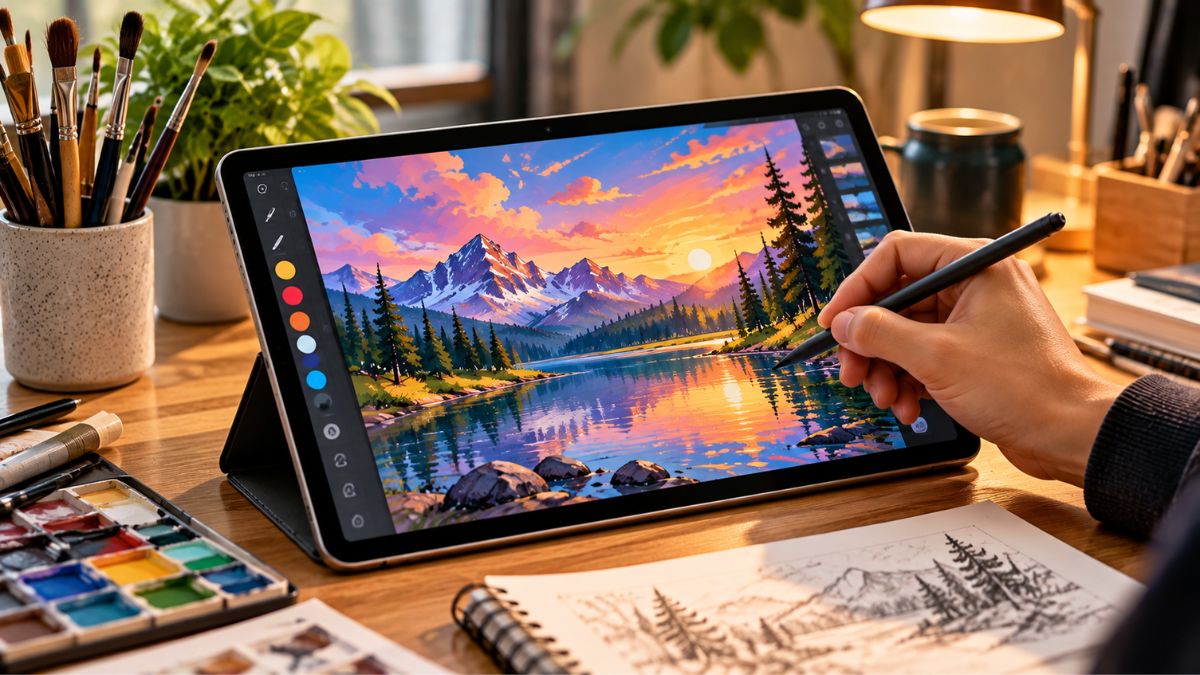
The Samsung Galaxy Tab S11 Ultra is the best Android tablet for drawing right now, thanks to its 14.6-inch AMOLED screen, 120Hz refresh rate, and redesigned S Pen. The newer S12 Ultra is faster, but it costs about $200 more at launch.
Pen latency is the tiny delay between moving the pen and seeing the line appear. Android Central says the S Pen can reach latency as low as 2.8 milliseconds. Lower latency feels closer to a real pen on paper, which is why Samsung tablets feel so natural for sketching.
Not ready for a flagship budget? The S10 FE has a lower-quality screen, but plenty of power for drawing, and the S Pen is in the box. The OnePlus Pad 3 is the flagship alternative, with a 144Hz display and a Snapdragon 8 Elite chip. Just remember the Stylo 2 is sold separately.
If you like a paper feel, TCL’s NXTPAPER 11 Gen 2 uses a paper-style screen, and its stylus detects 4,096 pressure levels. Already own an Android tablet? The Wacom One 12 is a pen display that plugs into compatible Android devices, and Android Central lists it at around $220. It isn’t an Android tablet itself, but it’s a smart add-on.
If you’re not tied to Android, compare the iPad Pro before you decide.
Android Tablet for Work and Productivity 💼
Work use is different from drawing. You care about multitasking, battery life, keyboard support, and how long the tablet gets software updates.
Android Central says the Tab S11 Ultra can just about replace a laptop for many tasks, thanks to its huge screen and fast chip. Samsung’s DeX desktop mode adds a desktop-style layout when you connect a display.
Updates matter for work devices. Tech Advisor notes the Tab S11 gets seven years of updates, which is great if your tablet holds work email and documents. Check the update promise before buying from any lesser-known brand.
Pair your tablet with a good keyboard and mouse, and build it into your home office setup. The S Pen also handles quick jobs like signing and marking up PDFs, so you don’t have to print anything.
One limit to know: a tablet still won’t run full desktop programs, like heavy spreadsheet macros. If you need those, a laptop is the better tool.
Best Affordable Android Tablet with Stylus 💰
Two budget options stand out.
The Galaxy Tab S10 Lite launched in the US at $349, about $150 below the S10 FE, and Liliputing’s launch coverage confirms it keeps S Pen support. Samsung cut a few corners to reach that price.
The TCL NXTPAPER 11 Gen 2 is cheaper still. Android Central lists it at $249.99, with a deal price of $189.98 at the time of writing. TCL includes the T-Pen and a case, and you also get microSD storage up to 1TB and battery life of up to 19 hours. The trade-off is a 60Hz screen that isn’t as sharp or bright as OLED.
Be careful with no-name listings that promise huge RAM and a free pen for around $100. If a tablet doesn’t name its processor or update policy, skip it.
Are Android Tablets with Stylus Worth It?
Yes, if you’ll use the pen weekly for notes, sketching, or marking up documents. Android tablets with stylus support cost less than most laptops and often include the pen, but they won’t replace a PC for heavy desktop software. If you only watch videos, skip the Stylus Premium.
What you gain:
- A pen that often comes free in the box (Samsung and TCL)
- A big app library for notes, drawing, and PDFs
- A lighter, cheaper setup than most laptops
What to watch:
- Premium models are expensive
- Some brands sell the stylus separately
- Tablet software is still lighter than a full PC
If you prefer Apple, our budget iPad guide covers that side. Apple’s Pencil is a separate purchase, so compare the total cost.
Here’s a quick way to choose:
- Pick your main use: notes, drawing, or work.
- Check that the pen is in the box.
- Choose a screen size and weight you’re happy to carry daily.
- Confirm the update promise and today’s price.
Conclusion
The best Android tablets with stylus support depend on how you’ll use the pen. Students will do well with the Galaxy Tab S10 FE, artists should look at the S11 Ultra, and budget buyers can start with the Tab S10 Lite or the TCL NXTPAPER 11 Gen 2.
Three things to remember: check that the stylus comes in the box, match the screen size to your daily routine, and confirm how many years of updates you’ll get.
Ready to compare? Read our Android 14 tablet guide for more software tips, then check today’s prices on the models above before you buy. The right tablet and pen can make studying, working, and sketching feel a lot easier. Take your time, pick the one that fits your life, and enjoy it.
Frequently Asked Questions
Which Android tablet comes with a stylus?
Samsung’s Galaxy Tab S10 FE, S10 Lite, S11, and S12 models include the S Pen. The TCL NXTPAPER 11 Gen 2 also includes its own stylus. The OnePlus Pad 3 supports a stylus, but it’s sold separately.
What is the best Android tablet for handwriting?
The Galaxy Tab S10 FE is a strong all-around pick, with an S Pen included and a battery that lasts through the day. If you want a bigger, brighter AMOLED screen, look at the Galaxy Tab S11 or S11 Ultra.
What is the best affordable Android tablet with a stylus?
The Galaxy Tab S10 Lite and the TCL NXTPAPER 11 Gen 2 are the two budget picks in this guide. Both include a stylus. The TCL is usually cheaper, while the Samsung gives you the S Pen and Samsung’s software.
Can I use any stylus with an Android tablet?
No. Samsung’s S Pen is made for Samsung tablets, and some tablets only work with their own pen. Devices that support the USI 2.0 standard, like the Google Pixel Tablet, can use compatible third-party styluses. Always check your tablet’s supported pen list first.
Are Android tablets with stylus good for college students?
Yes. A 10.9-inch model like the Galaxy Tab S10 FE is light enough for a backpack and has the battery for a full day of classes. Split-screen lets you read slides and take notes at the same time.