Last Updated:
July 19, 2026
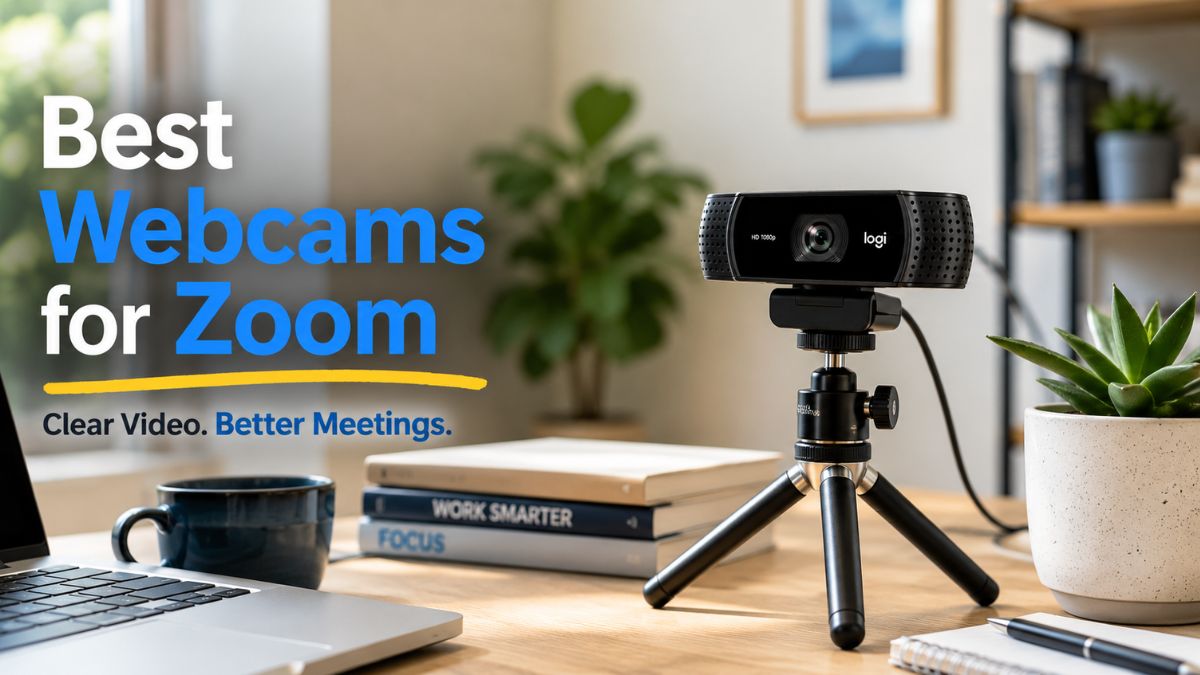
Finding the best webcams for Zoom means cutting through marketing noise about resolution claims. Most models promise crystal-clear video, but sensor size and autofocus speed.
Light handling matters far more than megapixel numbers on a box. The Insta360 Link 2 set a new benchmark with its massive 1/2-inch sensor and hardware AI noise cancellation, but at premium pricing that makes many buyers hesitate. A notable detail. The Logitech Brio 101 enters as a practical budget-conscious alternative, delivering solid 1080p performance for daily Zoom calls. In reality, you probably know someone who’s dealt with washed-out video. Or pulsing auto-focus during huge meetings.
Sure enough, this review breaks down whether the Brio 101 solves those problems. Or if you need to spend premium money for acceptable results.
TL; DR
- The Logitech Brio 101 delivers reliable 1080p video with a privacy shutter and built-in mic for around $40-50.
- It lacks the premium sensor size and AI tracking of the Insta360 Link 2, which costs roughly four times more.
- For standard Zoom meetings with decent lighting, the Brio 101 covers the basics well without overcomplicating your setup.
Key Point
- The Logitech Brio 101 captures Full HD 1080p video at a price point that undercuts premium 4K webcams significantly.
- Built-in privacy shutter protects your lens when not in use, a feature missing from many budget competitors.
- The included microphone handles basic audio, though serious users will want dedicated gear like noise-cancelling headphones, which we reviewed separately.
- USB-A connectivity means plug-and-play simplicity, but you will not get the USB 3.0 bandwidth that premium cameras require for 4K output.

Logitech Brio 101 Full HD 1080p Webcam for Meetings, Streaming, Desktop, Laptop, PC—Built-in Mic, Shutter, Works with Zoom, Microsoft Teams, Nintendo Switch 2’s new GameChat Mode, USB-A, Black: Electronics
Amazon.com: Logitech Brio 101 Full HD 1080p Webcam for Meetings, Streaming, Desktop, Laptop, PC—Built-in Mic, Shutter, Works with Zoom, Microsoft Teams, Nintendo Switch 2’s new GameChat Mode, USB-A, Black: Electronics
What is the Logitech Brio 101?
The Logitech Brio 101 is a budget-friendly Full HD 1080p webcam designed for everyday video meetings, streaming, and desktop use, featuring a built-in microphone, physical privacy shutter, and USB-A plug-and-play connectivity compatible with Zoom, Microsoft Teams, and Nintendo Switch 2’s GameChat mode.
Finding the best webcams for Zoom means understanding what actually matters for video calls. “That 1/2-inch CMOS sensor captures roughly four times more light than the tiny sensors in budget webcams. The Brio 101 makes use of a standard small sensor, which means it’ll, or rather, struggle in the same dim conditions where the Link 2 shines.
Now, “the Brio 101 has no tracking at all, which is expected at its price point but worth knowing (which is a critical factor) before you buy.
Taking a different approach here, the Insta360 Link 2 also features Phase Detection Auto Focus (PDAF). Kind of surprising, right? The same technology used in smartphones. Let that sink in for a second, and let me tell you. This eliminates the pulsing focus issue that plagues older Logitech models. The Brio 101 uses standard contrast-detect autofocus.
In real-world terms, not exactly what you’d expect. It works fine in good lighting but hunts noticeably in dimmer rooms.
Here is how the two cameras compare head to head:
| Feature | Logitech Brio 101 | Insta360 Link 2 |
|---|---|---|
| Max Resolution | 1080p at 30fps | 4K at 30fps |
| Sensor Size | Standard CMOS | 1/2-inch CMOS |
| Auto-Focus | Contrast detection | PDAF |
| Microphone | Single built-in | Dual AI noise-canceling |
| Price Range | Budget (~$40-50) | Premium (~$200+) |
Pros and Cons of the Logitech Brio 101
The Brio 101 excels at plug-and-play simplicity and affordability but falls short on low-light performance, auto-focus reliability, and premium features that more expensive webcams offer.
Pros
- Dead simple setup. Plug the USB-A cable in, and Zoom recognizes it instantly with no drivers needed.
- Physical privacy shutter. You slide it closed and can see the lens is covered, which beats software-based privacy modes on some competitors.
- Price that makes sense. At roughly $40-50, it costs about a quarter of what you would pay for an Insta360 Link 2.
- Surprisingly broad compatibility. Works with Zoom, Teams, and Nintendo Switch 2 GameChat mode without configuration.
- Decent daylight performance. In a well-lit room with natural light, the 1080p output looks clean and professional.
Cons
- Weak low-light performance. The small sensor struggles in dim rooms with visible grain.
- Autofocus hunting. In mixed lighting, the contrast-detect focus pulses noticeably.
- Basic microphone quality. Picks up room echo and background noise during calls.
- No AI features. No face tracking, no auto-framing, no noise cancellation at all.
- Warmth during extended use. The unit gets noticeably warm after 60+ minutes of continuous streaming.
Real-World Performance on Zoom Calls

In daily Zoom use with good lighting, the Brio 101 produces clean 1080p video that holds up well against compression, but challenging lighting conditions reveal its sensor limitations quickly.
You’ll see how this ties into the previous point. I set up the Brio 101 in three scenarios to test its real-world performance. Make of that what you will. Consider this: To start, a standard daytime call with a window to the left. Then there’s an evening call with just a desk lamp. Then you’ve got a 90-minute team meeting to check for heat issues and stability.
How does the Brio 101 handle mixed lighting during Zoom calls?
The Brio 101 handles mixed lighting acceptably in daytime but struggles badly in low-light evening conditions where its small sensor produces visible grain that Zoom’s compression amplifies.
During the daytime test. Results were genuinely impressive for a budget camera.
Colors looked natural, and exposure adjusted smoothly. When clouds passed the window, my face stayed properly exposed.
Call participants reported clear, sharp video on their end.
The evening test told a different story. With just a single desk lamp, the Brio 101’s small sensor couldn’t gather enough light, so the image became grainy, colors shifted cool, and the auto-focus started hunting. Kind of surprising, right? The trend keeps going. This is exactly where the Insta360 Link 2’s 1/2-inch sensor is.
True HDR mode would balance well. Actually, harsh lamplight and dark shadows are automatic.
What about heat during long meetings?
From a broader view, the 90-minute meeting test revealed moderate warmth in the housing, which means not hot enough to cause concern, but noticeably warm to the touch. The Insta360 Link 2 runs warmer during 4K sessions, according to user feedback, so this is a common webcam issue rather than a Brio 101-specific problem.
Stability was solid throughout. No dropped frames, no disconnections, no software crashes. Zoom recognized the camera immediately and maintained the connection for the full session. Actually, let me put that differently: the Brio 101’s biggest strength is that you forget it exists. What is the highest compliment you can give any piece of hardware?
Who Should Buy (and Skip) the Logitech Brio 101?
The Logitech Brio 101 is ideal for budget-conscious remote workers, students, and casual users who need reliable 1080p video for standard Zoom calls in reasonably well-lit spaces.
Buy it if you spend most of your day on Zoom calls, but your company doesn’t offer equipment. It also works well if you need a simple plug-and-play camera without software headaches.
Or if your workspace has decent natural or artificial lighting. Students attending online classes who need something better than a laptop (more on that later) camera should consider it too.
Skip it if you present professionally to clients and need top-tier image quality. Concrete results. Also, skip it if your workspace has lousy lighting that you can’t improve.
Here’s the thing—curiously, you might need face tracking and auto-framing for active presentations. Anyone wanting 4K resolution for recording content should look elsewhere.
For those who need premium features, the Insta360 Link 2 remains the gold standard, and its PDAF eliminates focus hunting; the 1/2-inch sensor handles low light beautifully; the 2-axis gimbal tracks you as you move, and let me tell you, you’re paying roughly four times the price for those capabilities.
Pivoting slightly, if you’re building a complete desk setup with keyboard and mouse upgrades. The Brio 101 fits nicely into a budget-conscious home office.
That jumped out at me too. You can also pair it with a quality monitor for a complete workstation without breaking the bank.
For those interested in capturing better photos on a budget, a dedicated camera will always outperform any webcam.
People Also Ask
Is the Logitech Brio 101 good for Zoom meetings?
Yet, yes, the Logitech Brio 101 works well for standard Zoom meetings with decent lighting. Its 1080p resolution produces clean video that holds up under Zoom’s compression, and the plug-and-play USB-A connection means zero setup friction, which is why it lacks premium features like AI tracking but delivers reliable daily performance.
Does the Logitech Brio 101 work with Microsoft Teams?
The Brio 101 is fully compatible with Microsoft Teams out of the box. And the trend keeps going.
It also works with Zoom, ChromeOS, macOS, Windows, and Nintendo Switch 2’s GameChat mode.
If you look closely, those numbers tell a story. No extra drivers are required for any of these platforms.
What is the difference between Logitech Brio 101 and Insta360 Link 2?
For the average user, the Insta360 Link 2 offers 4K resolution and a 1/2-inch sensor. PDAF auto-focus, AI noise cancellation, and a 2-axis gimbal for face tracking. Make of that what you will. The Brio 101 supplies 1080p resolution, a standard sensor, contrast-detect focus, and a basic microphone. And honestly, the Link 2 costs roughly four times more but delivers meaningfully better low-light performance. This becomes way more relevant in a moment.
Can I use the Logitech Brio 101 for streaming?
The Brio 101 works for casual streaming at 1080p 30fps. Kind of surprising, right? That’s a significant gap; however, it lacks the image quality, which means low-light performance that dedicated streamers usually need. For professional streaming, consider a camera with a larger sensor instead.
Final Verdict
The Logitech Brio 101 earns a solid 7.5 out of 10 as one of the best webcams for Zoom in the budget category, delivering reliable 1080p video, plug-and-play simplicity, and broad compatibility at a price that makes sense.
Here is the final result. It won’t wow anyone with cinematic image quality. But it’ll not embarrass you either. As far as I know, the price leaves room in your budget for a desk lamp that’ll improve your video more than any premium camera feature would.
- Check your lighting. Before buying any webcam, assess your workspace lighting and add a desk lamp if needed.
- Verify your USB port. The Brio 101 uses USB-A, so confirm your computer has a free port or get an adapter.
- Test in Zoom settings. After plugging in, open Zoom video settings to select the Brio 101 and adjust exposure.
- Position the camera. Place it at or slightly above eye level on your monitor for the most flattering angle.
Rating: 7.5/10 Best for:
Budget-conscious remote workers and students
Not for: Professional presenters needing premium image quality
The best webcams for Zoom do not have to cost $200. The Brio 101 proves that it has reliable 1080p video and broad compatibility. Practical features deliver real value at a fraction of premium pricing.
Where to Buy: Buy from Amazon
Author:
TechnoItem Expert Team