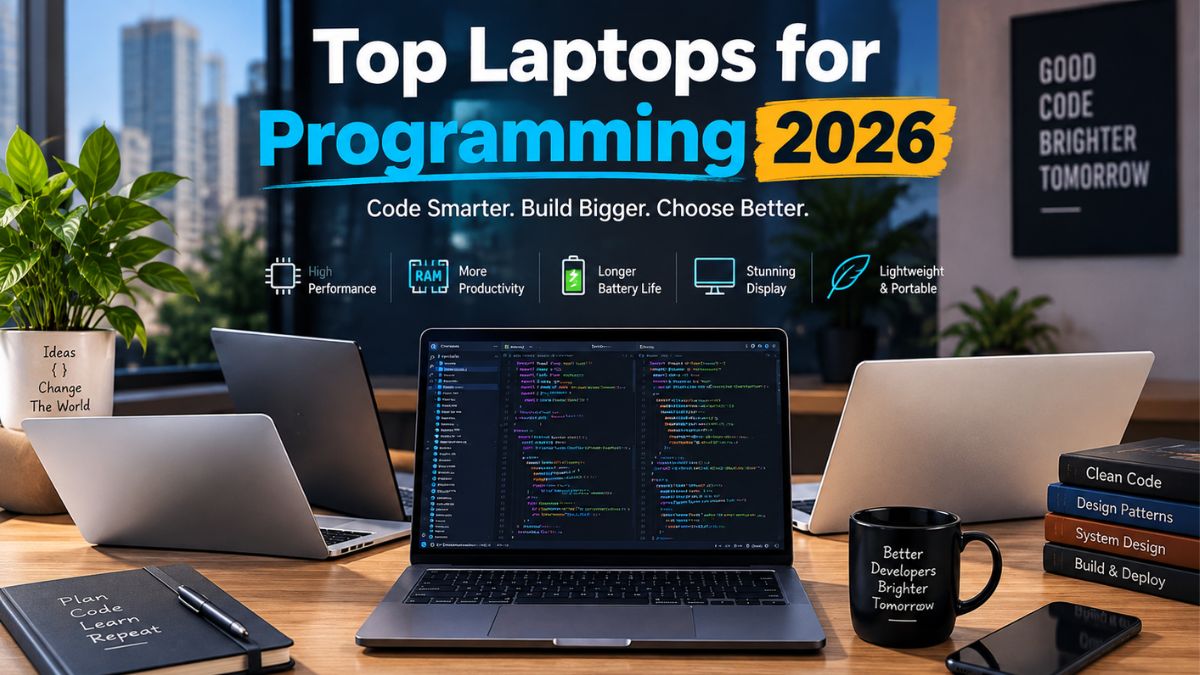
The best laptop for programming in 2026 depends on your workflow more than any single “best” model. The Apple MacBook Pro 14 (M5) leads for battery life and compile speed, the Lenovo ThinkPad X9 15 is the strongest Windows pick, and the Framework Laptop 13 Pro is the go-to for Linux developers who want repairable hardware. Budget coders and CS students get excellent value from 16GB-RAM machines under $1,100. Whatever you pick, prioritize at least 16GB of RAM (32GB if you can), an NVMe SSD, and a keyboard you can type on for eight hours straight. Top Laptops for Programming 2026
What Makes a Laptop Good for programming in 2026?
A good programming laptop comes down to five things: a capable multi-core CPU, enough RAM to run your IDE alongside Docker containers and a browser with thirty tabs, fast SSD storage, a display you won’t strain your eyes on, and a keyboard built for long typing sessions. Everything else—RGB lighting, a huge speaker system, a fingerprint reader shaped like a logo—is nice to have, not needed to have.
For most developers, the floor in 2026 is 16GB of RAM and a modern multi-core processor, with 32GB recommended if you run virtual machines, containers, or local databases regularly. An NVMe SSD is non-negotiable at this point; it directly affects how fast your IDE indexes a large codebase and how quickly you can spin up a dev environment. Battery life matters more than people expect—coding in a coffee shop or a lecture hall without hunting for an outlet is a real quality-of-life upgrade.
Top Laptops for Programming 2026 — Our Picks
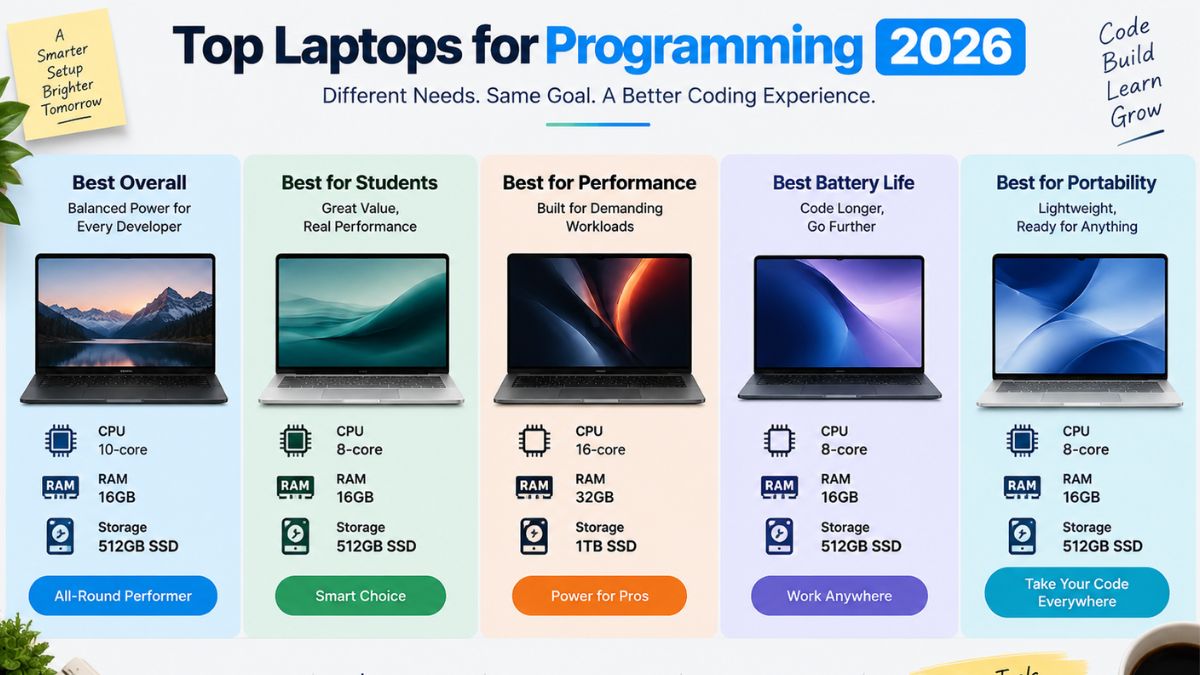
Here’s how the strongest options for developers compare on the specs that actually matter for coding work.
| Laptop | CPU | RAM | Storage | Best For | Starting Price |
| Apple MacBook Pro 14 (M5) | Apple M5 Pro | 24GB unified | 1TB SSD | Overall pick: macOS/iOS dev | ~$2,249 |
| Apple MacBook Air (M4) | Apple M4 | 16GB unified | 512GB SSD | Budget macOS, web dev, students | ~$1,099 |
| Lenovo ThinkPad X9 15 Aura Edition | Intel Core Ultra X7 358H | 32GB | 1TB SSD | Best Windows pick | ~$2,364 |
| Framework Laptop 13 Pro | Intel Core Ultra X7 358H | 32GB | 1TB SSD | Linux, repairability | ~$2,899 |
| Dell 15 Laptop | AMD Ryzen 7 | 16GB | 1TB SSD | Budget / first laptop | ~$999 |
| Lenovo Legion 7i 16 (Gen 10) | Intel Core Ultra 9 290HX | 32GB | 1TB SSD | Data science, local ML | ~$3,074 |
Prices shift constantly, so treat these as a starting point and check current listings before buying.
Apple MacBook Pro 14 (M5) remains the machine most reviewers point to first in 2026. It’s consistently rated as the top laptop for programming thanks to strong processing power and overall user experience. The unified memory architecture means 24GB behaves more like a much larger pool of conventional RAM, so it comfortably handles an IDE, several terminal sessions, and a database running locally at the same time. The trade-off is price and the fact that iOS and native macOS development are really the only workloads that require it.
The Lenovo ThinkPad X9 15 Aura Edition is the closest thing to a MacBook-equivalent experience on Windows. Reviewers describe it as combining excellent battery life, a bright high-resolution display, premium build quality, and the newest Intel Panther Lake processors. If you need Windows-only enterprise software, or you’re a .NET or Java developer working inside a corporate environment, this is the safer buy over Apple silicon.
Framework Laptop 13 Pro stands out for a different reason entirely: it’s designed to be opened up and repaired. It’s frequently recommended as the best pick specifically for Linux users among 2026 programming laptops. Ports, RAM, and storage are all modular, which matters if you expect to keep the machine for five-plus years and don’t want to be locked into a single configuration.
The Dell 15 laptop covers the budget end without cutting into the specs that matter. It ships with an AMD Ryzen 7 processor, 16 GB of RAM, and a 1 TB SSD for under $1,000—enough headroom for VS Code, a browser, and a local dev server without the fan spinning up constantly.
Lenovo Legion 7i 16 (Gen 10) is built for developers doing heavier local work—training small models, running multiple VMs, or working with GPU-accelerated tools. The dedicated RTX 5070 graphics and 32GB of RAM make it one of the few “programming” laptops that also earns its keep for machine learning experimentation.
Best Laptop for Coding on a Budget
You don’t need a $2,500 machine to learn to code or build most web apps. The Dell 15 Laptop (Ryzen 7, 16GB RAM, 1TB SSD, ~$999) is the strongest value pick right now—it clears the 16GB RAM floor and gives you a full terabyte of storage, which matters once node_modules folders start piling up. If you’re set on macOS, the MacBook Air M4 starts around $1,099 and, according to developer testing, handles most programming tasks well, including web development, mobile development, and backend work, only struggling with sustained heavy workloads like large compilations or ML training because of its fanless design.
Best Laptop for Web Development

Web development is one of the least demanding programming workloads on hardware—you’re mostly running a code editor, a browser with dev tools open, and a lightweight local server. This is exactly where the MacBook Air M4 shines: it’s light, silent, and the battery comfortably lasts a full day of split-pane coding. If you’re on Windows, a Dell 15 or Dell Pro 14 with 16 GB of RAM and an NVMe SSD will run VS Code, Chrome, and a Node server without any strain.
You don’t always have to choose just one. Many developers use Windows with WSL2 or run Linux through a virtual machine on a Mac. This gives them access to Linux-based development tools while still keeping the main operating system they are comfortable with.
CPU, RAM & Storage—What Really Matters
CPU: Look for a recent multi-core processor from Apple, Intel, or AMD. A good CPU helps when you’re compiling code, running containers, or working with several apps at the same time.
RAM: For most developers, 16GB is a good starting point in 2026. If you regularly use Docker, virtual machines, or several demanding development tools together, 32GB will give you more breathing room.
Best Laptop for Python & Data Work
Python itself is lightweight, but what you’re running alongside it usually isn’t—Jupyter notebooks, pandas on large datasets, or local model training change the equation. For general Python and scripting work, the MacBook Pro 14 M5 or Lenovo ThinkPad X9 both have enough RAM headroom. If you’re doing anything GPU-accelerated—computer vision, local LLM inference, or CUDA-based work—the Lenovo Legion 7i 16, with its dedicated RTX 5070 and 32 GB of RAM, is the more realistic choice, since Apple silicon and integrated graphics can’t run CUDA workloads natively.
Best Laptop for Computer Science Students
Students need three things above all: something that survives four years of lecture halls and library sessions, a battery that lasts through back-to-back classes, and a price that doesn’t wreck a budget already stretched by tuition. The Dell 15 Laptop at roughly $999 hits all three, and its 16 GB of RAM is enough for the CS fundamentals—data structures, algorithms, intro systems courses—that make up most of a first- or second-year curriculum. Students planning to do iOS development or who want a lighter machine to carry between classes should look at the MacBook Air M4 instead.
Windows vs. Mac vs. Linux for Developers
There’s no universally “correct” OS for programming—it depends on what you’re building.
- macOS is the default for iOS and mobile development, since Xcode is Mac-only, and its Unix-based terminal makes it a natural fit for most web and backend work too.
- Windows remains the safest choice for enterprise software, .NET development, and game development on major engines, plus it has the widest hardware selection at every price point.
- Linux offers the most flexibility for backend engineers, DevOps work, and anyone who wants their dev environment to match production servers exactly—though it typically means more manual setup than the other two.
Most developers now dodge the decision entirely by running WSL2 on Windows or a Linux VM on Mac, getting a Linux-like environment without giving up the host OS’s software ecosystem.
CPU, RAM & Storage—What Actually Matters
- CPU: A modern multi-core processor (Apple M-series, Intel Core Ultra, or AMD Ryzen 7/9) handles compiling, containers, and multitasking without bottlenecking.
- RAM: 16GB is the realistic minimum in 2026; 32GB is worth the upgrade if you run VMs, Docker, or multiple heavy IDEs at once.
- Storage: An NVMe SSD, ideally 512GB or more, keeps project indexing and dependency installs fast—spinning drives are a non-starter for development work now.
- Battery life: Look for laptops rated at 10+ hours of real use, not just video-playback marketing numbers.
- Keyboard: A backlit keyboard with real key travel matters more than most spec sheets suggest once you’re typing for hours daily.
- Display: 14–16 inches is the sweet spot—14 inches for portability, 16 inches if you want more room for split-pane coding and data visualization.
How to Choose the Right Developer Laptop for Your Workflow
Start with what you’re actually building, not the laptop with the best benchmark scores. Mobile and iOS developers are locked into macOS by necessity. Backend, DevOps, and systems engineers benefit most from Linux compatibility and higher RAM ceilings. Data scientists and ML engineers should prioritize a dedicated GPU over a marginally faster CPU. Everyone else—most web developers, students, and generalists—can comfortably pick based on budget and OS preference, since the hardware floor for “good enough” has risen enough that even mid-range 2026 laptops handle typical coding workloads well.
Final Verdict
If you want one answer, the MacBook Pro 14 (M5) is the best all-around programming laptop in 2026 if your budget allows it and you’re comfortable with macOS. If you need Windows, the Lenovo ThinkPad X9 15 is the closest match in build quality and battery life. Linux developers should look at the Framework Laptop 13 Pro for its repairability. And if budget is the deciding factor, the Dell 15 Laptop delivers everything a student or new developer actually needs without the premium price tag.