By Shahadat | Technology Writer & Product Researcher
TechnoItem.com
Last Updated: October 4, 2026
TL;DR: The best tablet for reading comics has a bright screen, enough size to read word balloons without zooming, and enough storage for your library. For most readers, an 11-inch iPad or Samsung tablet is the sweet spot. Choose the iPad mini for travel, an OLED model for rich color, and a budget Android tablet if you’re watching costs. Skip e-ink unless you read a lot outdoors.
Finding the best tablet for reading comics is harder than it looks. A screen that’s too small leaves you pinching and zooming on every panel. A screen that’s too fancy can cost hundreds more than you need.
This guide cuts through that. I’ll compare iPad, Android, and budget options for comics, manga, and graphic novels, and explain what actually matters: screen size, display type, weight, and storage.
I focus on screen quality, size, color, resolution, battery life, reading comfort, and portability. Those are the things that decide how a comic page looks and how long you can hold the tablet before your hands get tired.
Prices move often, so I’ll point out where to double-check before you buy.
What Is the Best Tablet for Reading Comics Right Now? 🏆
For most people, the best tablet for reading comics is an 11-inch iPad or iPad Air, because the screen size, sharp display, and app choice are hard to beat. Samsung’s Galaxy Tab S10 FE is the best Android alternative, and the iPad mini is best for travel.
Comic Book Herald agrees on the size. It calls popular 11-inch Apple and Android tablets the simplest answer for reading comics digitally. That’s why most picks below sit in the 10 to 11-inch range, with a few smaller and larger options for specific readers.
| Tablet | Screen | Best for | Price note |
| iPad (A16) | 11-inch | Everyday comics, best-value iPad | From about $449 |
| iPad mini (A17 Pro) | 8.3-inch | Manga, travel, one-hand reading | About $599 (128GB) |
| iPad Air (M4, 11-inch) | 11-inch | Best all-round reader | About $749 (128GB) |
| Galaxy Tab S10 FE | 10.9-inch LCD, 90Hz | Best Android value | Often discounted; check price. |
| Galaxy Tab S11 Ultra | 14.6-inch AMOLED | Big two-page spreads | Around $1,150 to $1,200 |
| TCL NXTPAPER 11 Gen 2 | 10.95-inch paper-like | Eye comfort, low price | Around $190 to $250 |
Prices change often, so confirm the final price at checkout.
What Size Tablet Is Best for Reading Comics?
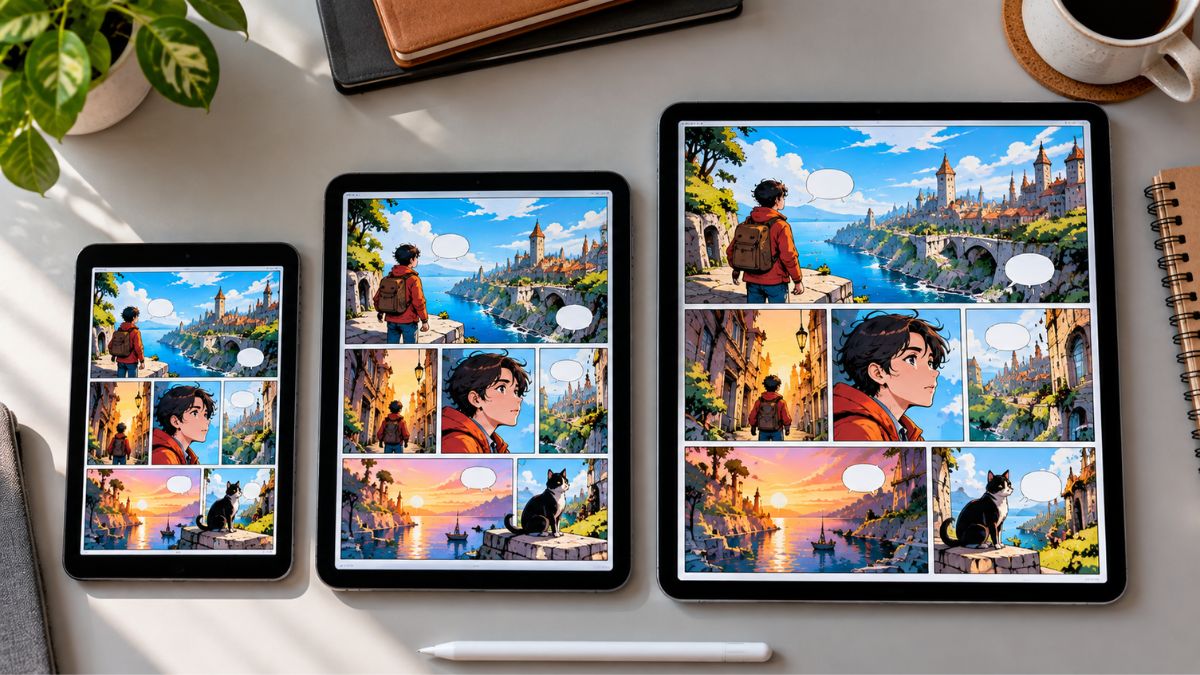
A tablet with a 10- to 11-inch screen is best for reading comics. It shows a full page at a readable size without constant zooming. An 8.3-inch mini works well for manga and travel, but screens near 7 inches are too small for single-page reading.
Comic Book Herald says single-page reading on a 7-inch tablet isn’t practical. It also notes that a full-size 11-inch tablet usually costs $100 to $150 more than an 8-inch mini. So you’re trading page size against price and portability.
Weight matters too. Macworld’s iPad comparison lists the iPad mini at about 293 grams, the 11-inch iPad Air at about 465 grams, and the 13-inch Air at about 616 grams. An hour of reading feels very different at each of those weights.
Tom’s Guide shares a useful real-world view. Its reviewer prefers the 13-inch iPad Pro for comics but found an older, larger Pro too heavy and said a mini is easier to hold for manga.
Here’s a simple rule. US comic pages are tall, so a 10 to 11-inch screen shows them well. Manga pages are smaller, so a mini works. Webtoons scroll, so almost any size is fine.
Is an iPad Good for Reading Comics?
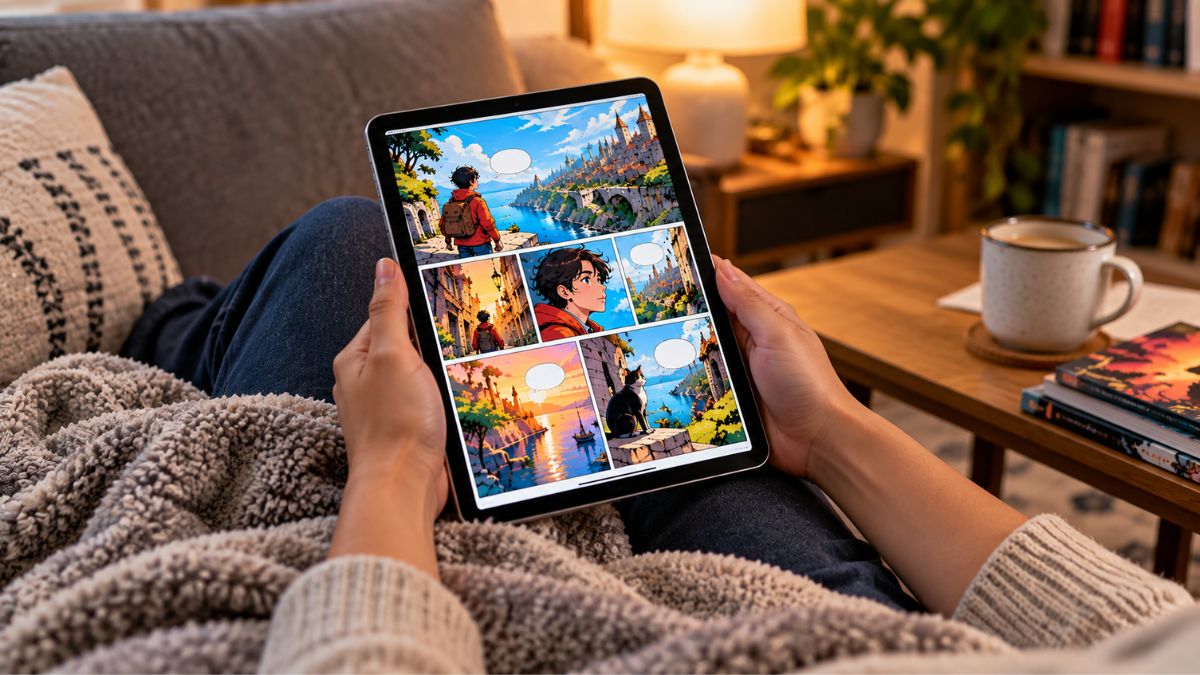
Yes. An iPad is one of the best ways to read comics, thanks to sharp screens, smooth performance, and plenty of reading apps. The iPad mini suits manga and travel, the 11-inch iPad and iPad Air suit most readers, and the iPad Pro adds an OLED screen for richer color.
The standard 11-inch iPad is the budget-friendly entry. Macworld lists the A16 iPad at $449, and some older guides show lower prices, so check Apple’s current pricing. If cost is your main worry, our budget iPad guide covers the cheaper models.
The iPad mini is the pick for reading in bed, on a train, or one-handed. Macworld lists the 128GB model at $599. It costs more per inch, but you’re paying for the compact size.
The 11-inch iPad Air sits in the middle at about $749 for 128GB, according to Macworld. It’s the “buy once and forget” choice for many readers.
If you want the best screen, the iPad Pro has an OLED display. Tom’s Guide’s reviewer says OLED makes digital comics look better than their printed versions. It’s a premium price for a reading tablet, so see our iPad Pro guide before you commit.
Best Android Tablet for Reading Comics 📖
Samsung makes the best Android tablets for comics. They have sharp displays, strong battery life, and Google Play, so you can install any reading app. The Galaxy Tab S10 FE is the value pick, and the Tab S11 Ultra is the big-screen luxury option.
The Best 10-Inch Tablet for Reading Comics
The Galaxy Tab S10 FE has a 10.9-inch LCD that runs at 90Hz, which keeps swiping smooth. Android Central lists it at about 497 grams with an 8,000mAh battery that easily lasts 10 hours. It also comes with an S Pen, which is handy if you take notes. Our Android tablets with stylus guide covers that side.
When a Giant Screen Makes Sense
The Galaxy Tab S11 Ultra has a 14.6-inch AMOLED screen and weighs about 692 grams, per Android Central. That much space is great for two-page spreads and big artwork. It’s also heavy and expensive, so it suits reading at a desk more than on the couch.
For help with Android software, see our Android tablet guide.
Do You Need an OLED Screen for Reading Comics?
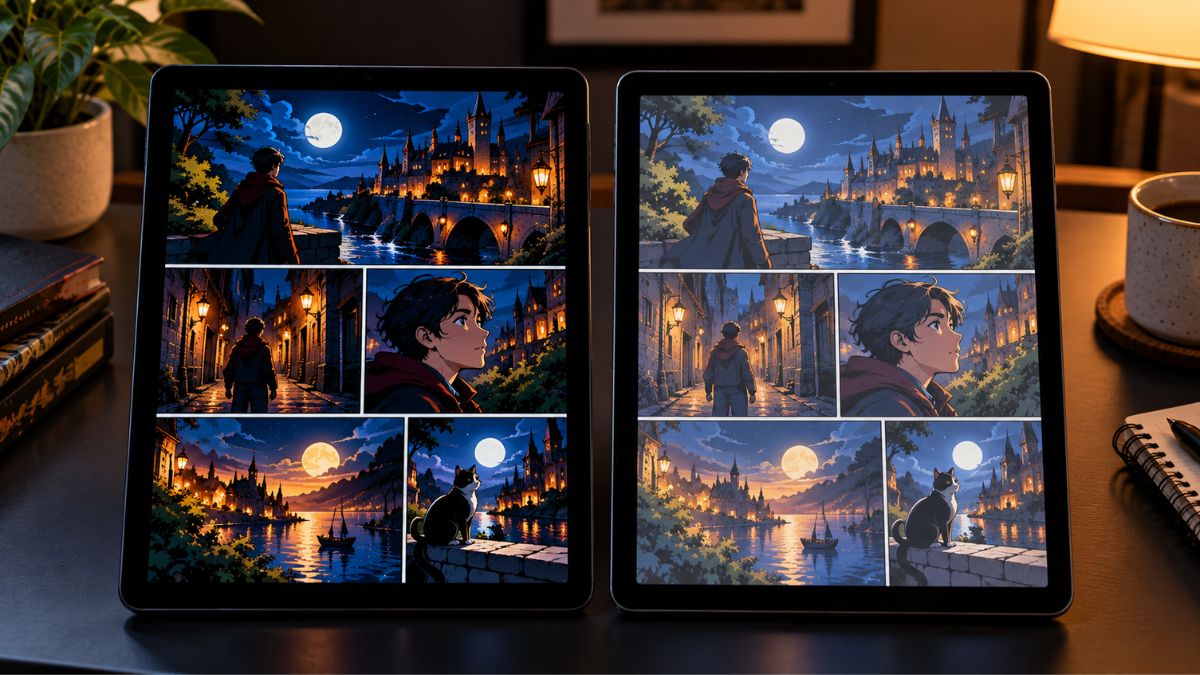
No, you don’t need OLED to enjoy comics. A good LCD with sharp resolution and decent brightness works well for most readers. OLED helps when you want deeper blacks and richer color, which makes artwork pop, but it usually costs much more.
OLED screens light each pixel on their own, so black areas look truly black. That’s a real plus for dark, moody comics. Tom’s Guide’s reviewer found it made digital comics look better than print.
But a quality LCD is still very good. The Tab S10 FE and most iPads use LCD screens and still show comics clearly. If your budget is tight, spend on screen size and storage before you spend on OLED.
If your eyes tire easily, look at paper-style screens. TCL’s NXTPAPER 11 Gen 2 uses one, and Android Central says it filters out a share of blue light and lets you switch display modes.
Is an E-Ink Tablet Good for Reading Comics?
E-ink can work for comics, but only if you value battery life and outdoor reading over color and speed. Color e-ink screens look muted next to LCD or OLED, and page turns on color pages are slower. For most comic fans, a regular tablet is the better pick.
Good e-Reader notes that the Kindle Colorsoft has a 7-inch color e-ink screen, with 300 pixels per inch in black and white but only 150 in color. That’s a small screen for comics, and it suits image-heavy content better than detailed artwork.
Larger color e-ink tablets exist. Android Central lists the Onyx Boox Note Air 5 C at 10.3 inches with Google Play access and a battery that lasts multiple days, typically for around $499. It’s a niche pick. It makes sense if you read a lot outdoors and don’t mind softer color.
Best Cheap Tablet for Reading Comics 💰
The best cheap tablet for reading comics is one with a sharp 10 to 11-inch screen, at least 128GB of storage or a microSD slot, and a recognizable brand. You’ll give up speed and screen quality compared with an iPad, but comics are easy on hardware.
The TCL NXTPAPER 11 Gen 2 is a strong budget pick. Android Central lists it at $249.99 with a recent deal price of $189.98. It has a 1920 x 1200 paper-style screen, microSD storage up to 1TB, and battery life of up to 19 hours. The trade-off is a 60Hz screen that’s less sharp and bright than OLED.
Amazon’s Fire HD 10 and Samsung’s Galaxy Tab A line are the other usual budget picks, and both are often on sale. Fire tablets run Amazon’s own software, so app choice is narrower than on Android or iPad. Check the exact model’s storage before you buy, since comics fill space fast.
Be careful with no-name tablets that promise huge specs for very little money. If a listing doesn’t name the processor, resolution, or update policy, skip it.
Comic Reader Apps, Storage, and Setup Tips

The right app matters almost as much as the tablet. Many readers use the Kindle app or Marvel Unlimited for store-bought and subscription comics. For your own DRM-free files in formats like CBZ and CBR, free readers such as YACReader and Panels are common choices.
Storage is the next thing to plan. Comic Book Herald lists 128 GB as the minimum for its picks, and that’s a sensible floor. High-quality comic files add up quickly, so choose 256GB if you collect a lot.
A few small setup choices help comfort:
- Use a stand so you aren’t holding the tablet all day. Our adjustable stand guide can help.
- Turn on dark mode in your reading app for late-night sessions.
- Back up your library to an external hard drive, so a lost tablet doesn’t mean a lost collection.
Conclusion
The best tablet for reading comics depends on what you read and how you read it. Most people will be happy with an 11-inch iPad or iPad Air; Android fans should look at the Galaxy Tab S10 FE, and budget readers can start with the TCL NXTPAPER 11 Gen 2.
Three things to remember: match the screen size to your comics, choose the display type that fits your habits, and buy enough storage for your library.
Ready to choose? Compare current prices on the models above, then read our budget iPad guide or our Android tablet guide for a closer look. The right tablet turns every panel into a pleasure to read, so take your time and pick the one that fits your hands and your habits.
Frequently Asked Questions
What is the best tablet for reading comics?
For most readers, an 11-inch iPad or iPad Air is the best tablet for reading comics. The screen is large enough for full pages and sharp enough for detailed art. On Android, the Galaxy Tab S10 FE is a strong alternative.
What size tablet is best for reading comics?
A 10- to 11-inch screen is the best size for most comics. It shows a full page at a readable size without much zooming. An 8.3-inch mini works well for manga and travel, but 7-inch screens are too small for single pages.
Is an iPad good for reading comics?
Yes. iPads have sharp screens, smooth performance, and many reading apps. The iPad mini is great for manga and portability, while the 11-inch iPad and iPad Air suit most readers. The iPad Pro adds an OLED screen but costs much more.
Do I need an OLED screen for reading comics?
No. A good LCD works well for most readers. OLED gives deeper blacks and richer color, which looks great with detailed artwork, but you can spend that money on screen size and storage first.
Is an e-ink tablet good for reading comics?
It can be, if you read a lot outdoors or want multi-day battery life. Color e-ink looks muted compared with LCD or OLED, and color page turns are slower. Most comic readers will be happier with a regular tablet.