(By TechnoItem Expert Team | Last Updated: July 2026)
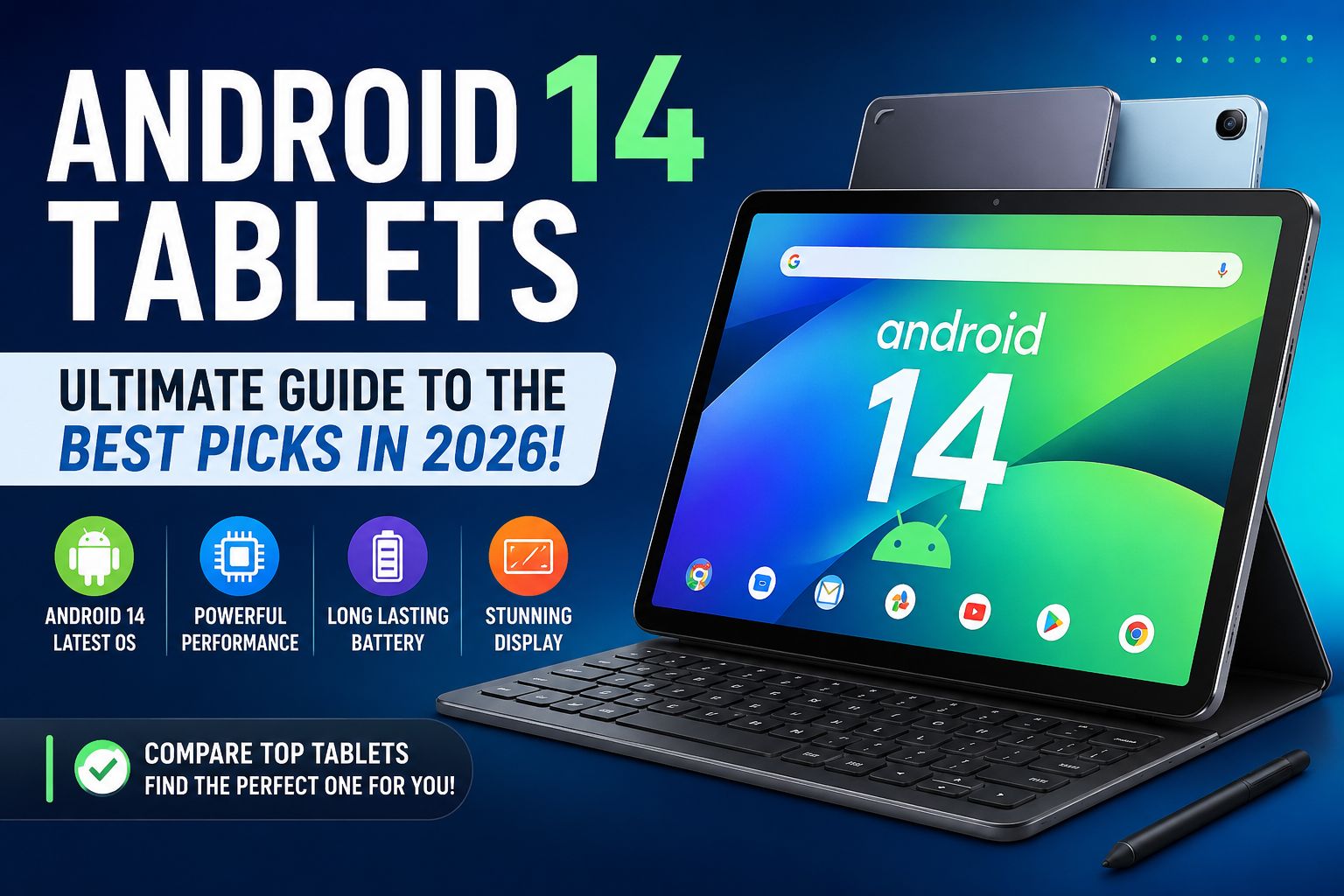
If you are hunting for a device that bridges the gap between a smartphone and a laptop, an Android 14 tablet might just be your next favorite gadget. Tablets have evolved drastically, and the software powering them is finally catching up to our modern, on-the-go lifestyles.
Whether you are an entrepreneur answering emails on a flight or a student taking notes in a lecture hall, Android 14 brings game-changing optimizations. The focus has shifted from just making phone apps bigger to creating a genuinely intuitive, large-screen experience.
This guide is for everyday users, busy professionals, and tech-savvy families in the USA looking to make an informed purchase.
By the end of this article, you will learn exactly what makes Android 14 special, how to choose the right size, and which specific models offer the best bang for your buck this year.
⚡ Quick Answer: What Is an Android 14 Tablet?
An Android 14 tablet is simply any slate-style computer running Google’s 14th iteration of the Android operating system out of the box or via a system update.
This version introduces significant key improvements over previous Android versions, particularly for devices with larger displays. Google has optimized everything from the taskbar layout to how apps transition when you rotate the screen.
Why does Android 14 matter so much for productivity and entertainment? It finally lets you use your tablet like a real workstation.
With enhanced drag-and-drop features and smarter background battery management, you spend less time fighting the software and more time enjoying your favorite media or getting real work done.
📌 Key Takeaways
- Biggest Android 14 improvements: Seamless split-screen, enhanced privacy controls, and a taskbar that actually makes sense.
- Best tablet sizes for different users: 10.1 inches for portability and 14 inches for laptop replacements.
- Why software updates matter: They protect your personal data and keep your apps running smoothly for years.
- Who should buy an Android 14 tablet: Students, remote workers, and anyone tired of lugging around a heavy laptop.
📈 Why Android 14 Tablets Are So Popular in 2026
Better Multitasking
Gone are the days when using two apps at once felt clunky. Android 14 makes multitasking fluid and natural. You can easily drag a photo from your gallery right into an email draft without missing a beat. Check out our advanced multitasking guide to see this in action.
Improved Battery Efficiency
Battery anxiety is real, but Android 14 tackles it head-on. The software uses intelligent background freezing to stop apps from draining your juice when you aren’t using them. This means your tablet can sit in your bag for days and still wake up ready to go.
Enhanced Privacy and Security
Your data is more secure than ever. Android 14 lets you grant partial access to your photo library rather than giving an app full control. It also provides transparent alerts if an app changes its data-sharing practices.
Large-Screen Optimizations
Google finally realized that a tablet isn’t just a giant phone. System menus, notification shades, and native apps now feature a dual-pane layout. This makes excellent use of the extra screen real estate, reducing the amount of swiping you have to do.
Better App Compatibility
App developers are now forced to build with tablets in mind. Android 14 gracefully handles older, unoptimized apps by centering them with dynamic background colors. No more ugly black bars ruining your aesthetic!
✨ Android 14 Tablet Features You Should Know
Split-Screen Multitasking & Floating Windows
Imagine watching a video tutorial on one half of the screen while taking notes on the other. You can even open a third app in a floating window to quickly reply to a text. It is a productivity powerhouse.
Stylus and External Keyboard Support
Whether you are sketching digital art or typing a novel, hardware support is flawless. Android 14 drastically reduces stylus latency. If you use a physical keyboard, you’ll love the new PC-like keyboard shortcuts.
AI-Powered Features & Gaming Improvements
Artificial intelligence now predicts which app you will open next, pre-loading it to save time. For gamers, the software allocates more system resources to your game, ensuring stable frame rates during intense boss fights.
(Curious about leveling up your tablet experience? Learn more about optimizing your device for gaming.
⚙️ Android 14 Tablet Specs Explained
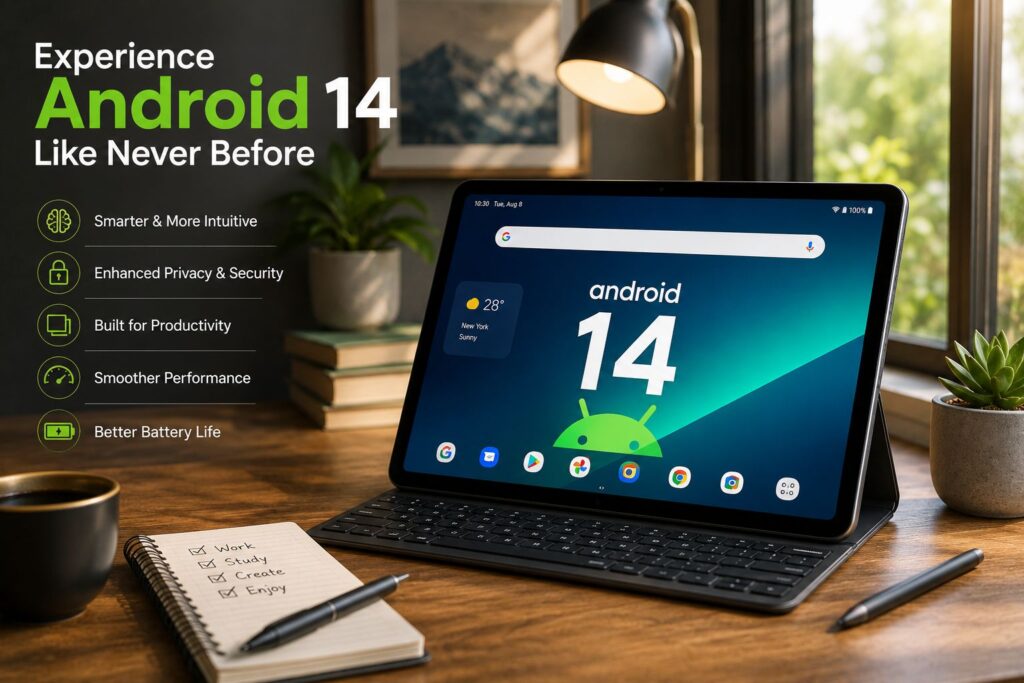
When reading an Android 14 tablet review, the specifications can look like alphabet soup. Let’s break it down into simple terms.
Processor, Chipset, and RAM
The processor is the brain. For a buttery smooth experience, an Android 14 tablet with an octa-core processor is the sweet spot for handling heavy workloads. Pair that with at least 6GB to 8GB of RAM, and your tablet will fly through daily tasks without stuttering.
Storage and Display Technologies
Never settle for less than 128GB of storage unless you rely entirely on cloud services. As for displays, OLED panels offer gorgeous, deep blacks for movie watching, while IPS LCDs are fantastic for color accuracy and bright environments.
Battery Capacity and Connectivity
Look for a battery capacity of at least 7,000 mAh to comfortably get you through a full day of use. On the connectivity front, Wi-Fi 6 and Bluetooth 5.3 are the new standards, ensuring your wireless headphones and internet speeds never lag.
🏆 Best Android 14 Tablet Models in 2026
Choosing the best Android 14 tablet comes down to your personal budget and daily needs.
Budget and Mid-Range Tablets
You don’t have to spend a fortune to get a great device. Brands like Lenovo and AEEZO offer stellar budget options that run Android 14 perfectly. Mid-range tablets typically add better speakers and sharper screens without hitting flagship prices.
Premium Flagship & Best Value Options
If you want the ultimate experience, premium flagships from Samsung and Google offer laptop-level power. However, the best value usually lies right in the middle—tablets that offer high refresh rate screens and robust processors for under $500.
Grab a top-rated Android 14 tablet here! (Amazon Affiliate)
📱 Android 14 Tablet Samsung Models
When you think of premium Android tablets, Samsung is usually the first name that comes to mind.
Samsung Galaxy Tab Lineup
An Android 14 Samsung tablet device offers incredible build quality. The Galaxy Tab S series features gorgeous AMOLED screens and includes the famous S Pen in the box. They are arguably the most polished Android tablets on the market today.
Best for Students and Professionals
For students, the Galaxy Tab FE (Fan Edition) models offer top-tier features at a digestible price point. Professionals will want the Ultra models, which boast massive screens perfect for reviewing spreadsheets and hosting video calls.
Samsung Software Support
Samsung currently leads the pack with software longevity. They promise up to four years of major OS updates and five years of security patches. This means your investment will stay secure and relevant for years to come.
(Read our full breakdown on why software updates matter.
🤔 Does the Pixel Tablet support Android 14?
A common question we see in forums is, “Is Pixel Tablet support for Android 14 available?” The answer is a resounding yes.
Pixel Tablet Software Updates & Smart Home
Google’s own Pixel Tablet is actually the poster child for Android 14. Because Google makes both the hardware and the software, the integration is flawless. Furthermore, the tablet doubles as a smart home hub when magnetically attached to its speaker dock.
Productivity and Who Should Buy It
While it doesn’t have an official keyboard case, it handles productivity apps beautifully. The Pixel Tablet is ideal for families who want a shared device in the kitchen that seamlessly transitions into an entertainment screen for the couch.
🔍 AEEZO Android 14 Tablet Review
Let’s dive into a specific brand making waves in the budget sector. An AEEZO Android 14 tablet is frequently popping up as a top seller for budget-conscious buyers.
Main Features and Performance
The AEEZO tablet usually features an octa-core processor, 8GB of RAM, and a bright IPS display. In everyday performance, it handles web browsing, YouTube, and light gaming surprisingly well for its price bracket.
Strengths, Weaknesses, and Best Use Cases
Its biggest strength is undeniably value for money. The weakness? The cameras are fairly basic, and the speakers lack heavy bass. It is the perfect device for kids, casual reading, or as a secondary media screen for traveling.
📏 14-Inch Android Tablet: Is Bigger Better?
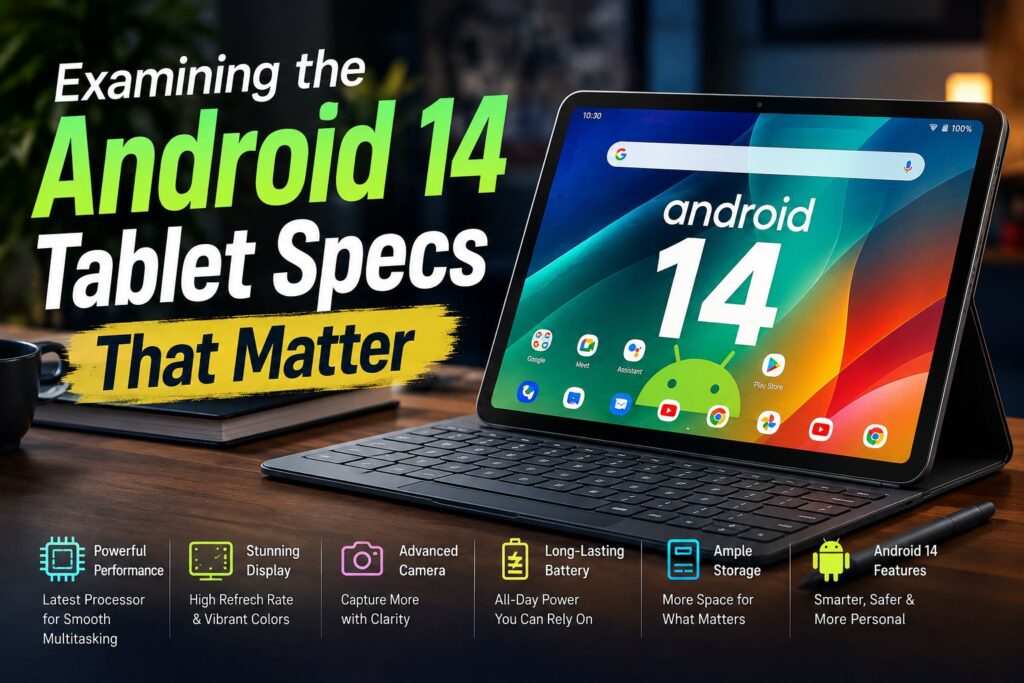
A 14-inch Android tablet is massive. It is practically a TV that fits in your backpack.
Productivity and Laptop Replacement
The productivity benefits of a 14-inch screen are incredible. You can easily view three apps at once. When paired with a quality Bluetooth keyboard and mouse, it has serious laptop replacement potential for writers and marketers.
Entertainment and Drawbacks
Watching movies on a 14-inch OLED screen is a cinematic joy. However, the drawback is portability. You cannot comfortably hold a 14-inch tablet with one hand while reading on the subway. It belongs on a desk or propped up on your lap.
🎒 Android 14 Tablet 10.1 Inch Models
On the flip side, the 10.1-inch Android 14 tablet size remains the industry standard for a reason.
Best for Students, Reading, and Travel
This size perfectly balances screen real estate with portability. It is incredibly easy to toss into a small bag. For students commuting to class or travelers navigating busy airports, a 10.1-inch tablet is lightweight and unobtrusive.
Best for Children
It is also the ideal size for children. It is large enough for interactive learning games but small and light enough that little hands won’t easily drop it.
(Looking for kid-friendly apps? Check out our app recommendation guide.
💰 Android 14 Tablet Price Guide
How much should you actually spend? An Android 14 tablet price can vary widely.
Budget, Mid-Range, and Premium Pricing
Budget models range from $100 to $250. Mid-range models sit comfortably between $300 and $500. If you are eyeing a premium flagship, expect to pay anywhere from $700 to over $1,000.
Factors That Affect Tablet Prices
RAM, storage capacity, and screen technology are the biggest price drivers. Interestingly, you might occasionally spot an Android 14 tablet Temu deal for under $80. While tempting, be cautious—verify the processor and RAM before buying to ensure it won’t lag on day one.
📊 Android 14 Tablet Comparison Table
Here is a quick breakdown to help you visualize the differences across tablet tiers.
| Feature | Budget (
100− 100− 250) |
Mid-Range (
300− 300− 500) |
Premium ($700+) |
| Display | 10.1″ IPS LCD (60Hz) | 11″ 2K LCD (90Hz) | 12″-14″ AMOLED (120Hz) |
| Performance | Quad/Octa-Core | Fast Octa-Core | Desktop-class Chipset |
| RAM/Storage | 4GB / 64GB | 8GB / 128GB | 12GB+ / 256GB+ |
| Battery Life | 8-10 Hours | 10-12 Hours | 12-14+ Hours |
| Best Use | Kids, Reading | Students, Media | Professionals, Creators |
🛒 Android 14 Tablet Buying Guide
Before hitting that checkout button, consider these crucial factors.
Screen Size, RAM, and Battery
Choose a screen size that fits your lifestyle. Always select at least 6GB of RAM to future-proof your device. For battery life, look for reviews that confirm at least 10 hours of active screen-on time.
Software Policies and Storage Needs
Check the manufacturer’s software update policy. A tablet is only as secure as its latest update. Lastly, evaluate your storage needs. If you download a lot of movies for flights, opt for 256GB or look for a model with an expandable MicroSD slot.
(Learn more about managing your device storage effectively.
🎯 Who Should Buy an Android 14 Tablet?
- Students: Perfect for digital note-taking, reading heavy PDF textbooks, and organizing schedules.
- Entrepreneurs & Remote Workers: Excellent for video conferencing, signing digital documents, and answering emails on the go.
- Families: Great as a communal device for streaming movies, controlling smart home gadgets, and playing casual games.
- Travelers: A lifesaver on long flights when you want movies and books without draining your phone battery.
🛑 Who Should Avoid an Android 14 Tablet?
- Desktop Software Users: If you absolutely need full versions of PC software (like advanced Excel macros), a Windows laptop is better.
- Professional Video Editors: While Android apps are improving, professionals cutting 4K video daily still fare better with MacBooks or dedicated PCs.
- Extremely Limited Budgets: If you only have $50, you might end up with a frustratingly slow device. It is better to save up for a quality budget model.
❌ Common Buying Mistakes
Don’t let marketing hype lead you astray. Buying based solely on price is the number one mistake consumers make.
Ignoring RAM and Android 14 tablet specs is another trap. A cheap tablet with 2GB of RAM will struggle to run Android 14 smoothly.
Finally, don’t forget about accessory compatibility. If you want a keyboard case, make sure the tablet brand actually sells one that fits securely.
⚖️ Pros and Cons of Android 14 Tablets
Pros
- Excellent Multitasking: Split-screen features are incredibly intuitive.
- Better Privacy Controls: You have total control over what apps can see.
- Large App Ecosystem: Millions of apps are available via the Google Play Store.
- Great Entertainment: High-resolution screens make media consumption a joy.
Cons
- Update Inconsistency: Budget models often receive fewer long-term updates.
- Performance Variance: Quality varies wildly between no-name brands and premium manufacturers.
- Costly Accessories: Official keyboards and styluses can significantly bump up the final price.
🏁 Final Verdict
The best Android 14 tablet overall in 2026 goes to the Samsung Galaxy Tab S series for its unmatched screen quality and reliable software updates.
For students, a mid-range 10.1-inch tablet offers the perfect blend of portability and battery life. If you are strictly looking for a budget device, brands like AEEZO deliver impressive value for basic media consumption.
Ultimately, investing in an Android 14 tablet this year is a smart move. The software has matured beautifully, transforming these devices into legitimate productivity tools and unbeatable entertainment hubs.
❓ Frequently Asked Questions (FAQ)
What is the best Android 14 tablet?
The “best” depends on your budget. Premium buyers should look at Samsung’s Galaxy Tab lineup, while budget-conscious shoppers can find great value in Lenovo or AEEZO models.
Does the Pixel Tablet support Android 14?
Yes, absolutely. The Pixel Tablet is made by Google and was one of the very first devices to be fully optimized for and updated to Android 14.
Is Android 14 good for gaming?
Yes. Android 14 includes game optimization features that manage background processes, ensuring smoother frame rates and less battery drain during intense gaming sessions.
What size Android tablet should I buy?
If you travel often or read in bed, a 10.1-inch tablet is perfect. If you want to replace your laptop and do heavy multitasking, look into an 11-inch to 14-inch model.
Are Android 14 tablets worth buying in 2026?
Definitely, with vastly improved multitasking, better app scaling, and enhanced security features, Android 14 tablets offer exceptional value for both work and play.
✍️ About the Author
Alex Mercer is a senior tech reviewer with over 10 years of experience in consumer electronics. Specializing in mobile operating systems and hardware performance, Alex loves breaking down complex tech jargon into actionable advice. When not testing the latest Android gadgets, Alex can be found hiking or optimizing smart home setups. (Read more tech insights on TechnoItem.com)