
📊 2026 Desk Comparison Table
Choosing the right desk is much easier when you compare the features side by side. Here is what you can generally expect across different price ranges.
| Desk Category | Frame Material | Storage Capacity | Weight Limit | Best For… |
| Budget Friendly | Engineered Wood | 1–2 Slim Drawers | Up to 100 lbs | Students & Laptops |
| Mid-Range (Recommended) | MDF + Steel Frame | 2–4 Drawers + Shelves | 100–180 lbs | Home Office & Dual Monitors |
| Premium / Executive | Solid Wood or Veneer | Multiple Drawers + File Cabinet | 180+ lbs | Professionals & Heavy Gear |
🛋️ Exploring the Best Desk Styles
Not everyone needs the exact same desk. Choosing a model that matches your room layout and daily routine makes all the difference. Let’s look at the most popular styles.
1. The L-Shaped Computer Desk With Drawers

If you have the room for it, an L-shaped computer desk with drawers is arguably the best investment you can make. It utilizes empty corner space brilliantly. When I set up my own L-shaped desk, it completely changed my workflow. I put my dual monitors and mechanical keyboard on the long side, and used the shorter side strictly for writing and charging my wireless accessories. It’s perfect for gamers, programmers, and multitaskers who need to separate their digital work from their physical paperwork.
2. The Small Computer Desk With Drawers

Not everyone has a massive dedicated office. If you live in an apartment or a dorm or are squeezing a workspace into your bedroom, you need a small computer desk with drawers. These usually sit between 35 and 47 inches wide. While you won’t fit three monitors on them, a compact desk gives you exactly enough room for a laptop, a coffee mug, and a desk lamp. The built-in drawer is a lifesaver for hiding your mouse and notebooks when the workday is over.
3. The White Computer Desk With Drawers

Aesthetics matter. A white computer desk with drawers remains one of the most popular choices for modern, minimalist home offices and content creators. White finishes reflect natural light, making cramped rooms feel much bigger. Just keep in mind that white shows dust and coffee rings easily, so you might want to protect the surface with a high-quality extended desk mat.
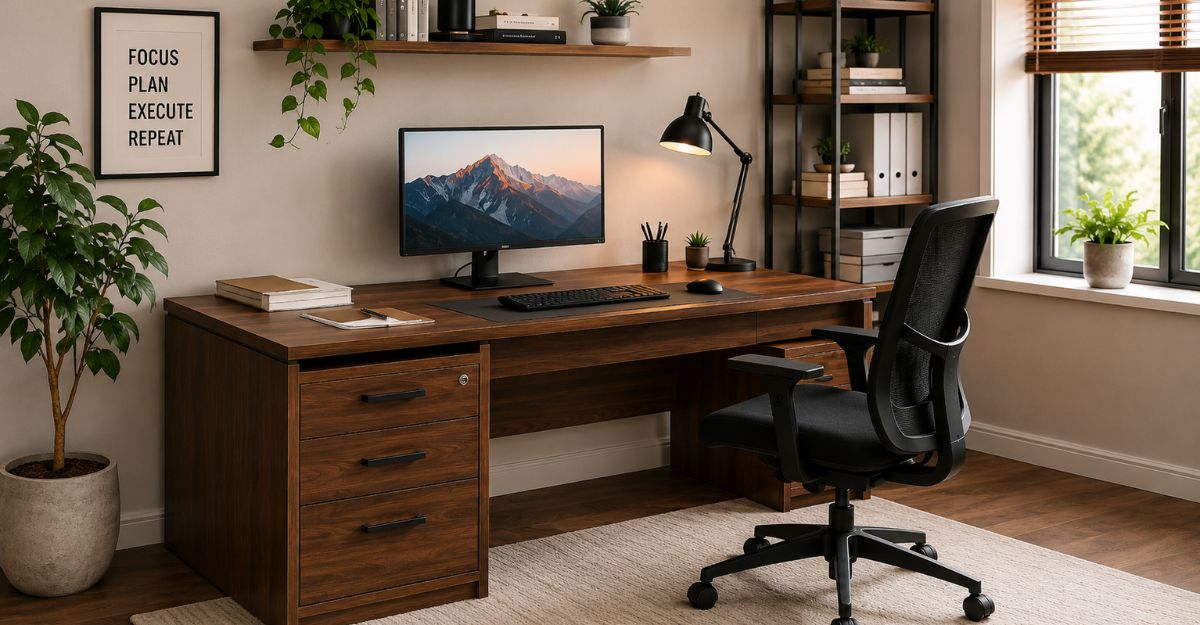
4. The Computer Desk With Drawers Wooden
If you want something that won’t fall apart when you move to a new house, a wooden computer desk with drawers is incredibly hard to beat. Solid oak, walnut, or high-grade pine provides massive stability. When you put a heavy 32-inch monitor and a massive gaming PC on a cheap desk, it bows in the middle. Wood prevents that. It ages beautifully and acts as a long-term investment for your workspace.
🛒 The Ultimate Buying Guide
Before you hit “add to cart,” run through this checklist to make sure you aren’t making a common buying mistake.
Finding the Best Size
Desk size should match your workflow.
- 35–40 inches: Strictly for laptops and tight spaces.
- 47–55 inches: The standard home office size. Fits one monitor and a laptop easily.
- 60+ inches: Required if you run dual monitors, heavy studio speakers, or advanced gaming setups. Always leave about 30 inches of walking clearance behind your chair!
Choosing the Best Material
- Solid Wood: Expensive and heavy, but incredibly durable.
- Engineered Wood (MDF): Very affordable and looks great, but vulnerable to water damage if you spill a drink.
- Metal Frames: Provide the best “wobble-free” typing experience. A steel frame paired with a wooden top is the ideal combination for most buyers.
Standing Desk vs Regular Desk
Many buyers get stuck deciding between a motorized standing desk and a traditional desk.
The biggest difference in the standing desk vs. regular desk debate is storage. Motorized standing desks need a metal crossbar underneath to lift the table. Because of this mechanism, they almost never have deep, built-in drawers. You have to buy a separate rolling file cabinet.
Regular desks are the kings of storage. If hiding clutter is your main goal, stick to a regular desk. (You can always buy an adjustable monitor riser to stand up when you want to.
📦 Our Top Recommendation
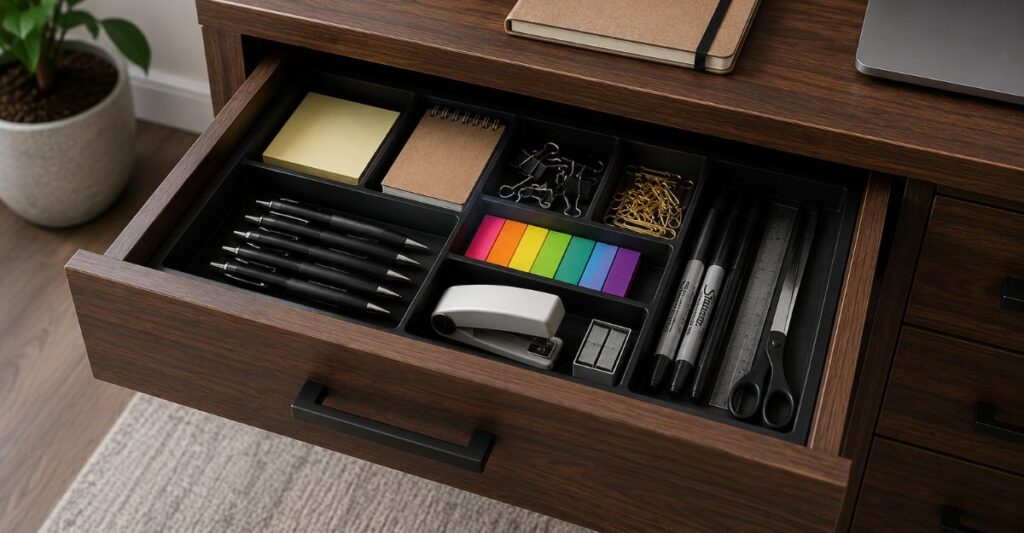
After looking at dozens of brands, reviewing weight capacities, and checking drawer slides, here is our current top pick:
👉 Editor’s Choice: Grab the Best Computer Desk with Drawers on Amazon Here
Why We Like It:
- Offers an incredibly spacious desktop without feeling bulky.
- The drawers use smooth metal tracks, not cheap plastic ones that get stuck.
- The frame is reinforced, meaning it won’t shake while you are typing heavily or gaming.
- Tip before buying: Assembly takes about an hour, so we recommend grabbing a power drill on a low-torque setting to speed things up!
🔌 Workspace Setup & Cable Management Tips
Buying the desk is only step one. Setting it up properly is what actually boosts your productivity.
- Hide the Wires: A beautiful desk looks terrible if a rat’s nest of cables hangs down the back. Buy some cheap cable clips or an under-desk wire tray. Route your power strips behind the drawers. For more tips, read our guide on advanced cable management.
- Lighting is Everything: Try to put your desk near a window for natural light. If you work at night, grab a screen light bar to reduce eye strain.
- Protect the Top: Use coasters. If you buy an engineered wood desk, a single condensation ring from a cold glass of water can cause the wood to bubble.
❓ FAQ: People Also Ask
What is the best computer desk with drawers for a home office?
For most home setups, a 48 to 55-inch desk with a steel frame, a spacious desktop, and at least two storage drawers is ideal. It provides enough room for a monitor and a laptop while keeping your pens and papers hidden.
Is an L-shaped computer desk better than a regular desk?
It depends on your room. An L-shaped desk is vastly superior if you use dual monitors, want to separate your writing space from your typing space, or have an empty corner to fill. However, a regular desk is much better for small apartments.
How do I fix a desk drawer that keeps getting stuck?
If your drawer uses metal rolling tracks, wipe them clean with a paper towel and apply a tiny drop of WD-40 to the wheels. If it uses wooden slides, rub a plain wax candle or a bar of soap along the runners so it glides smoothly.
Can a computer desk with drawers support a heavy gaming PC?
Most mid-range to premium desks can easily hold a heavy PC tower. However, check the weight capacity first. If your desk is rated for less than 100 lbs, you should place your heavy PC tower on a floor stand to protect the wood and free up desktop space.
🏁 Final Verdict
A computer desk with drawers isn’t just a piece of furniture—it is the foundation of your entire daily workflow. Whether you are a remote worker, a student, or a late-night gamer, hiding your clutter inside built-in drawers instantly makes your space feel larger and your mind feel sharper.
Take the time to measure your room, match the desk to your setup (like picking an L-shape for multiple monitors), and invest in sturdy materials.
Ready to finally get organized? Click here to check out our top-rated desk pick on Amazon and start building a workspace you actually enjoy sitting at.
Author Box
Reviewed by: Shahadat
Technology & Workspace Content Writer
Shahadat specializes in home office setups, consumer technology, and productivity accessories. His buying guides focus on practical advice, real-world usability, and helping readers choose products that deliver long-term value rather than simply following trends.