By TechnoItem Expert Team | Last Updated: July, 2026
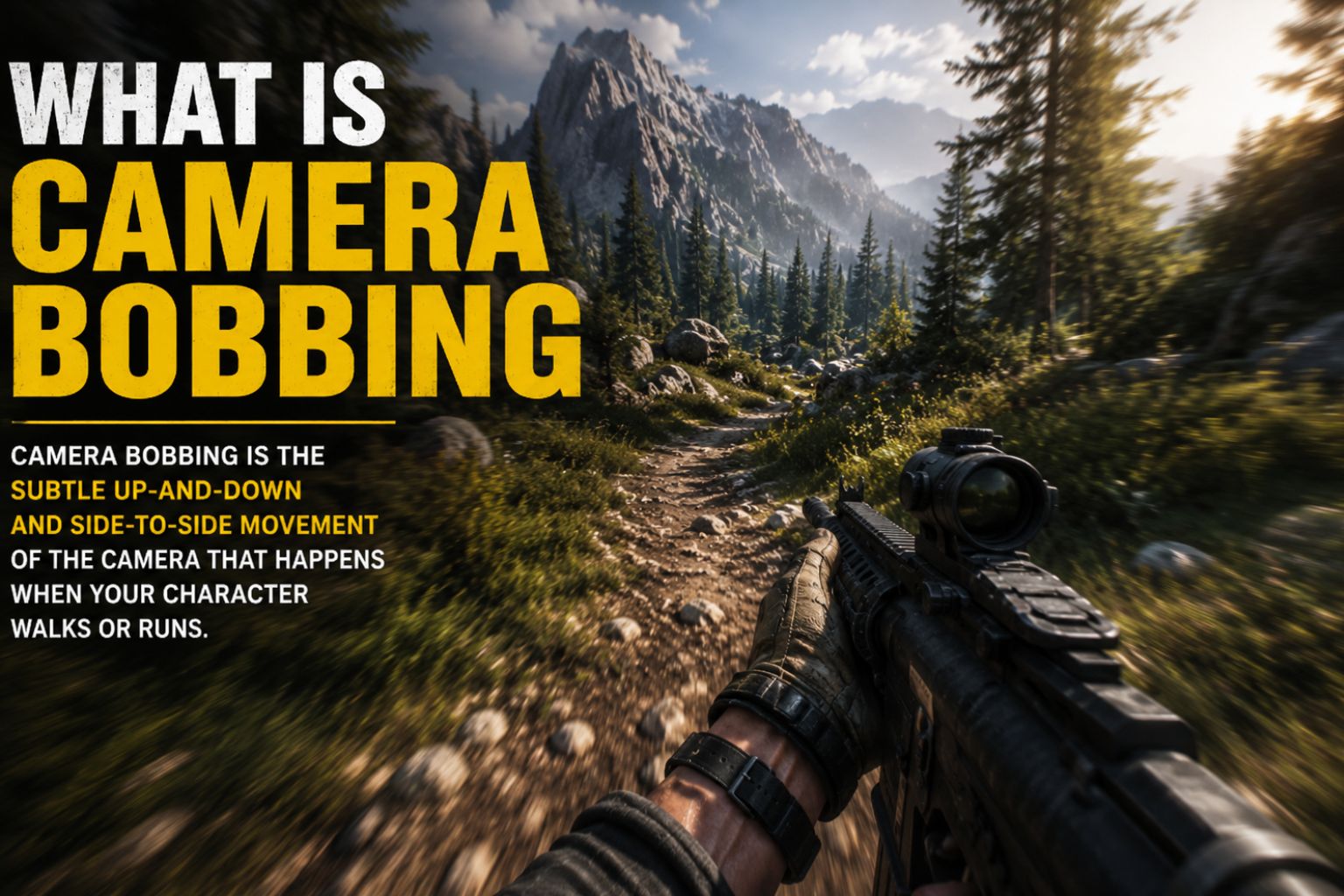
What Is Camera Bobbing? Quick Answer: Camera bobbing is the rhythmic up-and-down (and sometimes side-to-side) movement of a camera view that mimics the natural head motion of a walking or running character. It appears in video games, virtual reality, and live-action filmmaking. In games, it’s a deliberate design choice to increase immersion. In filmmaking, it can be intentional for a handheld aesthetic or an unwanted artifact that stabilization tools are used to fix.
Key Takeaways 🎮🎥
- Camera bobbing simulates the natural head movement a person experiences while walking or running.
- In video games, it’s a toggleable setting that increases realism but can cause motion sickness in some players.
- In filmmaking, bobbing is the unsteady camera motion produced by handheld shooting — sometimes desired, often corrected.
- The effect is controlled by amplitude (how much the camera moves) and frequency (how fast it moves).
- Turning off camera bobbing in games can reduce nausea without significantly hurting gameplay performance.
- Game engines like Unreal Engine and Unity both have built-in tools for adding and adjusting camera bob effects.
- Stabilization tools — gimbals, tripods, and software — are the main solutions for unwanted bobbing in video production.
- VR headsets handle camera bobbing differently because artificial motion without physical movement can trigger cybersickness.
What Is Camera Bobbing, Exactly?
Camera bobbing simulates natural head movement from a camera’s viewpoint. When a person walks, their head doesn’t stay perfectly still—it rises and falls slightly with each step and shifts gently from side to side. Camera bobbing replicates this motion to make a viewer or player feel physically present in a scene.
The term applies in two main contexts:
- Video games: A programmed camera effect tied to a player character’s movement cycle.
- Filmmaking/video production: The physical or simulated motion of a handheld camera that produces a similar rhythmic shake.
Both uses share the same core mechanic: a repeating oscillation pattern linked to movement speed.
Visit Amazon: https://amzn.to/4wNe4AK
What Is Camera Bobbing in Video Games?
In first-person and third-person video games, camera bobbing is a movement-linked animation applied to the player’s viewpoint. As the character walks or runs, the camera follows a sine-wave-like path—dipping and rising with each footstep, sometimes with a slight lateral sway.
Why developers add it:
- Creates a sense of physical weight and presence
- Reinforces the feeling that the player is inhabiting a real body
- Adds visual feedback that movement is happening
Common game genres that use it:
- First-person shooters (FPS)
- Survival games
- Role-playing games (RPGs) with first-person modes
- Horror games (where disorientation adds to atmosphere)
How it’s implemented: Game engines calculate the camera’s position using a sinusoidal function. The two key variables are the following:
| Variable | What It Controls | Typical Range |
| Amplitude | How far the camera moves up/down | Low (subtle) to High (exaggerated) |
| Frequency | How fast the bobbing cycle repeats | Tied to movement speed |
| Phase offset | Timing of lateral vs. vertical bob | Varies by engine |
Most modern games — including titles built on Unreal Engine and Unity — allow developers to tune these values per movement state (walking vs. sprinting vs. crouching).
Does Camera Bobbing Cause Motion Sickness?
Yes, camera bobbing is one of the most commonly cited triggers of motion sickness in video games and VR. The core issue is a sensory mismatch: the eyes see movement, but the body’s vestibular system (inner ear) detects none.
Who is most affected:
- Players with a history of motion sickness
- VR headset users (the effect is amplified in virtual reality)
- People playing on large screens or in close proximity to monitors
Why VR is a special case: In a standard game, Bobbing is a 2D simulation on a flat screen. In VR, the camera represents the player’s actual head position in three-dimensional space. Artificial bobbing in VR directly conflicts with the headset’s motion tracking, making cybersickness significantly more likely. Most VR developers recommend disabling or minimizing camera bobbing entirely.
💡 Decision rule: If you or your players experience headaches, nausea, or eye strain within 20–30 minutes of play, disabling camera bobbing is the first setting to adjust — before changing resolution, FOV, or frame rate.
How to Turn Off Camera Bobbing in Popular Games
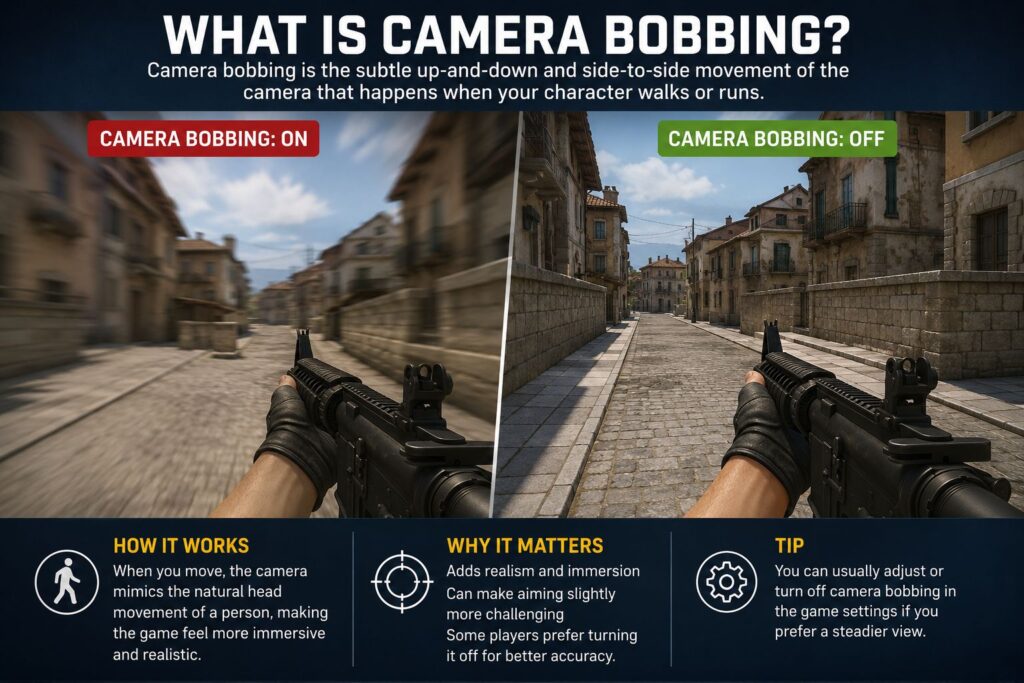
Most modern games include a toggle or slider for camera bobbing in the accessibility or video settings menu. Here’s a general process:
- Open the game’s Settings or Options menu.
- Navigate to Video, Graphics, or Accessibility settings.
- Look for options labeled “Head Bobbing,” “Camera Bob,” “View Bobbing,” or “Motion Effects.”
- Toggle the setting off or slide the intensity to 0.
- Save and restart the session if prompted.
Common mistake: Some players disable motion blur, expecting it to fix bobbing — these are separate settings. Motion blur affects how fast-moving objects appear; camera bobbing controls the camera path itself.
Edge case: A small number of games hard-code camera bobbing with no option to disable it. In these cases, community-made mods or configuration file edits (where permitted by the developer) are the only workaround.
What Is Camera Bobbing in Filmmaking?
In video production and filmmaking, camera bobbing refers to the unintended (or intentional) rhythmic movement of a handheld camera. When a camera operator walks while filming, their footsteps translate into vertical oscillation in the footage — this is camera bobbing in the physical sense.
When it’s intentional:
- Documentary and news-style cinematography to convey urgency or authenticity
- Action sequences where a gritty, unstable look fits the tone
- Run-and-gun indie filmmaking, where equipment is minimal
When it’s a problem:
- Corporate videos, interviews, or product shoots where stability signals professionalism
- Long-form content where sustained bobbing fatigues the viewer
- Any shot where the subject needs to appear stable and composed
For camera reviews and comparisons that highlight stabilization performance, check out the Camera category on TechnoItem for up-to-date coverage.
How Do You Fix Unwanted Camera Bobbing?
Fixing unwanted camera bobbing depends on whether the problem is hardware-based (physical shake) or software-based (in post-production).
Hardware Solutions
- Tripods and monopods: The most reliable fix for static or slow-moving shots. A quality tripod for cell phone cameras eliminates bobbing entirely for stationary setups.
- Gimbals: Three-axis motorized stabilizers that actively counteract camera movement in real time. Browse gimbal options for a range of budgets and use cases.
- Shoulder rigs: Distribute camera weight across the body to reduce footstep-induced shake.
- Steadicam-style rigs: Use counterweights and a pivot arm to isolate the camera from the operator’s movement.
Software Solutions
- In-camera stabilization (OIS/EIS): Many modern smartphones and cameras include optical or electronic image stabilization. Flagship phones like those reviewed in the Google Pixel 10 Pro XL review and the Apple iPhone 17 Pro Max review highlight how advanced OIS has become.
- Post-production stabilization: Software like Adobe Premiere Pro’s Warp Stabilizer, DaVinci Resolve’s stabilizer, or Final Cut Pro’s built-in tools can analyze and correct bobbing in existing footage.
- AI-based stabilization: Newer tools use machine learning to predict and smooth movement patterns with minimal cropping.
Common mistake: Over-applying software stabilization. Heavy correction can create an unnatural “floaty” look — sometimes called the “jello effect” — that looks worse than the original bobbing.
Camera Bobbing in Virtual Reality: A Different Challenge
VR introduces unique complications around what camera bobbing is and how it should be handled. Standard camera bobbing techniques that work fine in flat-screen games can cause severe discomfort in VR environments.
The core problem: VR headsets track real head movement with high precision. Adding artificial bobbing on top of that tracking creates conflicting signals — the display says the head is moving, but the tracking data says it isn’t. This mismatch is a primary driver of cybersickness.
Best practices for VR developers:
- Disable camera bobbing by default
- If movement feedback is needed, use controller rumble or subtle visual cues instead
- Allow users to enable minimal bobbing only if they opt in
- Keep any bobbing amplitude extremely low (near imperceptible)
Player tip: If a VR game includes a comfort settings menu, look for “locomotion comfort,” “vignette on movement,” or “reduce motion” options alongside the camera bob toggle.
Camera Bobbing vs. Camera Shake: What’s the Difference?
These two terms are often used interchangeably, but they describe different effects.
| Feature | Camera Bobbing | Camera Shake |
| Pattern | Rhythmic, predictable (sine wave) | Random, unpredictable |
| Trigger | Character movement (walking/running) | Impact, explosion, earthquake events |
| Frequency | Tied to movement speed | Usually brief, intense bursts |
| Purpose | Simulate walking immersion | Simulate trauma or force |
| VR risk | High | Very high |
Choose bobbing if you want to simulate the feel of a character moving through space. Choose camera shake to convey sudden impact or environmental force. Many games use both systems simultaneously, with bobbing active during movement and shaking triggered by specific game events.
Frequently Asked Questions
Q: What is camera bobbing in simple terms?
Camera bobbing is the up-and-down rocking motion of a camera view that mimics how a person’s head naturally moves when walking or running. It’s used in games to feel more realistic and in filmmaking as a handheld camera effect.
Q: Should I turn off camera bobbing?
If you experience motion sickness, eye strain, or headaches during gameplay, yes — turn it off immediately. It does not affect game performance or competitive fairness. If you feel fine, keeping it on adds to immersion.
Q: Does camera bobbing affect FPS performance?
No. Camera bobbing is a lightweight animation effect. Disabling it will not improve frame rates or reduce GPU load in any meaningful way.
Q: Why do some games not have a camera bobbing toggle?
Some developers hard-code the effect as part of their animation system or consider it inseparable from the movement feel. This is less common in 2026, as accessibility standards have pushed most studios to include the toggle.
Q: Is camera bobbing worse on a bigger screen?
Generally, yes. Larger screens fill more of the peripheral vision, making motion effects feel more intense. Players using large monitors or TVs at close range are more likely to experience discomfort from camera bobbing.
Q: How do game developers program camera bobbing?
Developers use sinusoidal math functions to calculate the camera’s Y-axis (vertical) and X-axis (lateral) position over time. The formula ties bobbing speed to the character’s movement velocity, so walking produces slow bobbing and sprinting produces faster, more pronounced bobbing.
Q: Can camera bobbing be added in post-production video editing?
Yes. Video editors can apply a bobbing effect using keyframe animation on the camera position or through plugins that simulate handheld movement. This is sometimes used in documentary-style edits or to match footage shot on a stabilized rig to handheld footage from the same scene.
Q: What’s the best way to eliminate camera bobbing in smartphone video?
Use a gimbal or a tripod designed for cell phone cameras for static shots. For moving shots, enable the phone’s built-in stabilization and apply software stabilization in post if needed. Modern flagship phones have significantly reduced this problem through advanced OIS systems.
Q: Does camera bobbing affect streaming or recording quality?
Not directly — it doesn’t degrade resolution or bitrate. However, constant motion makes video compression less efficient, which can slightly increase file sizes in recorded footage.
Q: Is camera bobbing the same as head bobbing?
In game design, the terms are used interchangeably. “Head bobbing” emphasizes that the effect simulates head movement specifically, while “camera bobbing” refers to the technical implementation. Both mean the same thing in practice.
Conclusion: Actionable Next Steps
Camera bobbing is a small setting with a significant impact on comfort, immersion, and visual quality — whether you’re a gamer, a game developer, or a video creator.
If you’re a gamer:
- Check your settings menu for a head bob or view bob toggle.
- Disable it if you experience any motion discomfort, especially in VR.
- Experiment with partial intensity sliders if your game offers them.
If you’re a game developer:
- Always include a camera bobbing toggle—it’s now considered a baseline accessibility feature.
- Keep the default amplitude low and let players increase it if they want more intensity.
- Never apply artificial bobbing in VR without extensive playtesting for comfort.
If you’re a filmmaker or content creator:
- Use a gimbal or tripod to eliminate unwanted bobbing on professional shoots.
- Use software stabilization as a secondary correction tool, not a primary fix.
- Apply intentional bobbing in posts only when the tone of the content calls for it.
For more on cameras, stabilization gear, and the latest smartphone camera technology, explore the full camera coverage at TechnoItem.
References
- Unity Technologies. (2023). Camera animation and movement in Unity. Unity Documentation. https://docs.unity3d.com/Manual/
- Epic Games. (2023). Camera shakes and motion in Unreal Engine. 5. Unreal Engine Documentation. https://docs.unrealengine.com/
- Davis, S., et al. (2014). Cybersickness in consumer virtual reality. Presence: Teleoperators and Virtual Environments, MIT Press.
- LaViola, J. J. (2000). A discussion of cybersickness in virtual environments. ACM SIGCHI Bulletin, 32(1), 47–56.
- Adobe Inc. (2022). Stabilize motion with the Warp Stabilizer effect. Adobe Premiere Pro User Guide. https://helpx.adobe.com/premiere-pro/