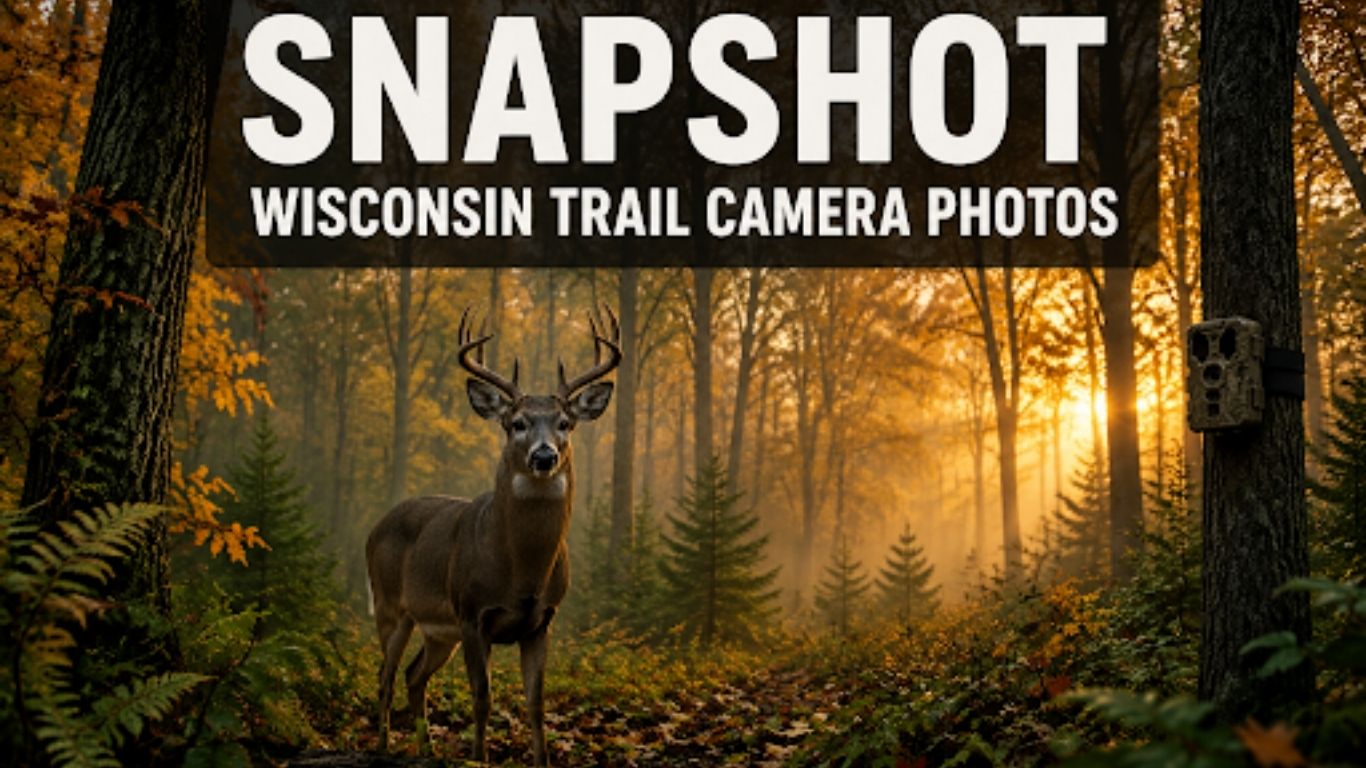
Quick Answer: Snapshot Wisconsin is the Wisconsin Department of Natural Resources’ (DNR) citizen science program that uses trail camera photos submitted by hunters and landowners to track white-tailed deer populations, monitor wildlife health, and collect harvest data. Participants set up trail cameras on their property, photograph deer and other wildlife, and submit images through the DNR’s online portal. The data helps wildlife managers make smarter decisions about deer season regulations across the state.
Key Takeaways
- Snapshot Wisconsin is a free, DNR-run program that turns trail camera photos into statewide wildlife population data.
- Any Wisconsin resident with a trail camera can participate — no hunting license required.
- Submitted photos are reviewed by volunteers and DNR staff who identify species, count animals, and flag health concerns.
- The program focuses on white-tailed deer but also captures bears, turkeys, coyotes, and other species.
- Snapshot Wisconsin trail camera photos have directly influenced deer season bag limits and antlerless permit allocations.
- Participants receive access to aggregated data reports, making it useful for personal scouting as well as conservation.
- Camera placement, timing, and SD card management are the biggest factors in photo quality and submission success.
- The program runs year-round, but fall submissions (August–November) carry the most weight for deer management decisions.
What Is Snapshot Wisconsin and How Do Trail Camera Photos Fit In?
Snapshot Wisconsin is a collaborative wildlife monitoring program launched by the Wisconsin DNR. It collects trail camera photos from volunteer participants across the state to build a large-scale picture of wildlife activity, population trends, and animal health.
Trail cameras are the backbone of the program. Volunteers place cameras on their land, capture images of passing animals, and upload those photos to the DNR’s online platform. Trained volunteers and DNR biologists then classify the images—identifying species, estimating age and sex of deer, and noting any signs of disease like Chronic Wasting Disease (CWD).
Why it matters: Traditional population surveys rely on roadside counts and harvest reports, which have significant blind spots. Snapshot Wisconsin trail camera photos fill those gaps with ground-level data from private and public lands that biologists rarely access directly.
Who Can Participate in Snapshot Wisconsin?
Any Wisconsin resident or landowner can join the program at no cost. Participation does not require a hunting license, a specific land size, or prior wildlife knowledge.
Eligible participants include:
- Deer hunters scouting their property
- Landowners interested in wildlife on their land
- Conservation-minded residents who want to contribute to science
- Farmers monitoring crop damage from deer or bear
Who it’s NOT ideal for: Participants living in dense urban areas with little wildlife habitat, or those without a secure outdoor location to mount a camera. Trail cameras placed in high-traffic public areas also raise privacy concerns the DNR takes seriously—always confirm camera placement follows Wisconsin’s surveillance laws.
How to Submit Snapshot Wisconsin Trail Camera Photos
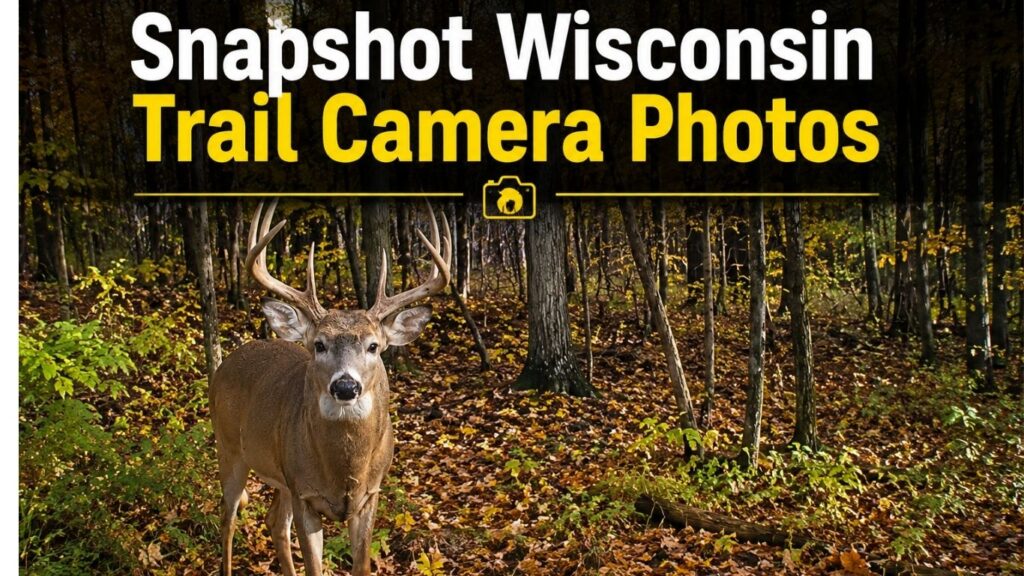
Submitting photos is straightforward, but doing it correctly ensures your data actually gets used by DNR biologists.
Step-by-step process:
- Register at the Wisconsin DNR’s Snapshot Wisconsin portal (dnr.wisconsin.gov).
- Set up your trail camera at an approved location on land you own or have permission to use.
- Check and collect your SD card monthly, or more often during peak deer season.
- Upload images through the portal — the system accepts JPEG files and auto-tags location data if your camera records GPS coordinates.
- Classify images yourself (optional) or let volunteer classifiers handle it through the program’s crowd-sourced review system.
- Review your data — the portal shows you what species were detected on your property and when.
💡 Pro tip: Cameras with time-lapse mode capture more usable data than motion-only cameras during low-activity periods. Set your camera to capture at least one image per hour during daylight in addition to motion triggers.
Best Trail Camera Settings for Snapshot Wisconsin Trail Camera Photos
Camera settings directly affect photo quality, battery life, and the usefulness of your images to DNR classifiers.
| Setting | Recommended Value | Why It Matters |
| Resolution | 12MP or higher | Allows accurate age/sex identification |
| Trigger speed | 0.5 seconds or faster | Captures full-body images, not just tails |
| Photo burst | 3 images per trigger | Reduces missed captures |
| Timestamp | Always ON | Required for DNR data logging |
| Detection range | 60–80 feet | Balances coverage with false triggers |
| Battery type | Lithium AA | Performs better in Wisconsin winters |
| SD card capacity | 32GB minimum | Holds enough images between monthly checks |
Common mistake: Setting image resolution too low to save battery. DNR classifiers need to clearly see ear shape, antler development, and body condition. Blurry or small images get flagged as “unclassifiable” and don’t contribute to population data.
For hunters who also want to use their cameras for personal scouting, pairing a quality trail camera with a capable smartphone for reviewing images in the field is worth considering. Phones with strong cameras — like those reviewed in our camera category — can help you quickly assess image quality before leaving the field.
Where to Place Cameras for the Best Snapshot Wisconsin Trail Camera Photos
Camera placement determines whether you capture 10 usable images per month or 300. The DNR recommends sites that reflect typical wildlife movement rather than baited or artificially concentrated locations.
High-value placement locations:
- Travel corridors: Fence lines, creek crossings, and field edges where deer move between bedding and feeding areas
- Scrapes and rubs: Active scrape lines during October–November produce high deer-photo rates
- Food plots and crop field edges: Consistent evening activity, especially August through December
- Water sources: Underused by most hunters but effective during dry summers
- Forest openings: Captures multiple species, including turkeys, bears, and coyotes
Placement rules that affect data quality:
- Mount cameras 24–30 inches off the ground, angled slightly downward
- Face cameras north or south to avoid sun glare washing out images at dawn and dusk
- Clear brush within 10 feet of the lens to reduce false triggers from moving vegetation
- Use a sturdy tripod or mounting system if tree mounting isn’t possible on your property
What Wildlife Shows Up in Snapshot Wisconsin Trail Camera Photos?
White-tailed deer dominate submissions, but the program captures a broad range of Wisconsin wildlife. DNR biologists use non-deer images for secondary research projects on predator-prey dynamics and habitat use.
Commonly photographed species:
- White-tailed deer (primary focus — bucks, does, and fawns classified separately)
- Wild turkey
- Black bear
- Coyote
- Red and gray fox
- Raccoon and opossum
- Bobcat (rare but increasingly documented in northern Wisconsin)
- Sandhill crane
Edge case: Wolves appear in trail camera photos from northern Wisconsin counties. If your camera captures a wolf, the DNR requests that you flag the image separately, as wolf sightings feed into a different monitoring program with federal reporting requirements.
How Snapshot Wisconsin Trail Camera Photos Influence Deer Management
This is where the program’s real value shows up. DNR wildlife managers use aggregated trail camera photo data to adjust antlerless deer permits, set season lengths, and monitor CWD spread.
Specific ways the data gets used:
- Fawn recruitment rates: The ratio of fawns to does in late summer photos indicates how well the population is reproducing. A low fawn-to-doe ratio can trigger reduced antlerless permits the following season.
- Buck-to-doe ratios: Helps managers assess hunting pressure and set harvest goals.
- CWD surveillance: Deer showing signs of emaciation, stumbling, or abnormal behavior in trail camera photos are flagged for targeted testing in those zones.
- Population trend tracking: Year-over-year photo submission data from the same camera sites shows whether local deer numbers are rising or falling.
“Trail camera data from citizen scientists gives us spatial coverage we simply can’t achieve with agency staff alone.” — Wisconsin DNR Wildlife Management (program documentation, dnr.wisconsin.gov)
For hunters who want to review large volumes of trail camera images efficiently, having a quality display matters. Reviewing photos on a high-resolution monitor makes it easier to spot details like CWD symptoms or antler characteristics before uploading.
Common Problems With Snapshot Wisconsin Trail Camera Photos (And How to Fix Them)
Even experienced hunters run into issues that reduce photo quality or prevent successful submission.
Problem 1: Blurry or overexposed images
Fix: Check your camera’s IR flash range. If deer are triggering the camera from beyond the flash’s effective range, images will be dark and grainy. Reposition the camera closer to the trail.
Problem 2: Too many false triggers (wind, grass)
Fix: Clear vegetation within 10 feet of the lens. Set sensitivity to “medium” rather than “high” in heavy brush areas.
Problem 3: The SD card is full before the monthly check
Fix: Use a higher-capacity card (64GB or 128GB) or increase the interval between time-lapse captures during slow periods.
Problem 4: Upload errors on the DNR portal
Fix: The portal has a 20MB per-image limit. If your camera shoots RAW or very high-resolution JPEG, compress the images before uploading. Most modern smartphones handle this automatically if you transfer photos through a USB-C cable to your computer for batch processing.
Problem 5: Camera stolen or vandalized
Fix: Use a security cable and lock box. Place cameras slightly off obvious trails so they’re not visible to casual passersby. The DNR does not reimburse for stolen equipment.
Snapshot Wisconsin Trail Camera Photos: Tips for Getting the Most From the Program
Participants who treat Snapshot Wisconsin as a two-way exchange — contributing quality data and using the program’s feedback — get the most value out of it.
Maximize your contribution:
- Submit photos monthly rather than waiting until the end of the season. Early data helps DNR staff catch disease outbreaks faster.
- Use at least two camera sites on your property to capture different habitat types.
- Note unusual behavior in the photo comments field when uploading — this context helps classifiers.
Maximize your personal benefit:
- Review your site’s species detection reports each season. Patterns in deer movement timing are directly useful for hunting strategy.
- Compare your fawn-to-doe ratios against your county’s reported averages (available through the DNR portal) to understand local herd health.
- Use the program’s historical data to identify long-term trends on your land — a declining deer detection rate over three years is a signal worth investigating.
If you’re building out a broader outdoor tech setup, a rugged smartphone designed for field use can make managing SD cards and uploading photos much easier during hunting season.
FAQ: Snapshot Wisconsin Trail Camera Photos
Q: Is Snapshot Wisconsin only for hunters?
No. Any Wisconsin resident with a trail camera and outdoor access can participate. The program welcomes landowners, naturalists, and conservation volunteers regardless of whether they hunt.
Q: Do I need to buy a special trail camera for the program?
No. Any trail camera that produces JPEG images with a time stamp works. Higher resolution cameras (12 MP+) produce more classifiable images, but there’s no required brand or model.
Q: How many photos should I expect to submit per month?
It varies by location and season. Active sites near food sources during October–November can generate 500–1,000+ images per month. Quieter sites in summer might produce 50–100.
Q: Can I use my Snapshot Wisconsin camera data for hunting scouting?
Yes. The data you collect is yours to use. Many hunters find the program’s detection reports and movement timing data directly useful for stand placement decisions.
Q: Does the DNR share my location data with the public?
No. Camera site locations are kept confidential. Aggregated data is reported at the county or deer management unit level, not by individual property.
Q: What happens if my trail camera photos show a deer with CWD symptoms?
Flag the image in the portal using the “health concern” tag. DNR staff will follow up and may request additional information about the specific location to prioritize targeted CWD testing in that area.
Q: How long does it take for my photos to be classified?
Volunteer classifiers typically review images within 2–4 weeks of submission. During peak fall season, the backlog can extend to 6–8 weeks.
Q: Can I participate if I only have access to public land?
The DNR prefers cameras on private land where placement can be controlled and monitored consistently. Public land camera placement requires a permit and is subject to additional restrictions. Check with your local DNR office before setting up on public land.
Q: Is there a minimum number of photos required to stay in the program?
No minimum is enforced, but the DNR encourages consistent monthly submissions. Sites that go inactive for more than one season may be removed from the active monitoring network.
Q: What file format should my photos be in?
JPEG is the required format. Most trail cameras shoot JPEG by default. RAW files are not accepted by the DNR portal.
Conclusion
Snapshot Wisconsin trail camera photos represent one of the most effective citizen science programs in the country for wildlife management. By contributing quality images from well-placed cameras, participants directly shape how Wisconsin manages its deer herd — from antlerless permit allocations to CWD response zones.
Actionable next steps for 2026:
- Register at the Wisconsin DNR’s Snapshot Wisconsin portal if you haven’t already.
- Audit your camera placement using the location guidelines above — small adjustments often double your usable photo count.
- Check your camera settings against the recommended table in this guide before the fall season begins.
- Submit monthly rather than in one end-of-season batch to maximize your data’s impact on real-time management decisions.
- Use your own data — review the species detection reports the portal generates and apply movement timing insights to your hunting strategy.
The program costs nothing to join and takes minimal time to maintain. The return, both for Wisconsin’s wildlife and for your own understanding of what’s happening on your land, is substantial.
Sources
- Wisconsin Department of Natural Resources, Snapshot Wisconsin Program Overview — dnr.wisconsin.gov (2023)
- Wisconsin DNR, Deer Management Reports and CWD Surveillance Documentation — dnr.wisconsin.gov (2024)
- Snapshot Wisconsin Volunteer Classifier Training Materials — Wisconsin DNR (2022)